


כיצד לצלם מעברים קלים של TikTok עם מזל"ט ביפן: מדריך שלב אחר שלב למתחילים
כיצד לצלם מעברים קלים של TikTok עם מזל"ט: בדוק את סיכון הקונה, המסמכים, האימות והשלבים הבאים לפני הרכישה.
הוצא [סכום] נוסף עבור משלוח חינם

מדריכי מזל"ט
מדריכי טיסה, צילום, קושחה ורישוי DJI שלב אחר שלב - נכתבו על ידי מומחי תיקון MOHRSS, שבסיסם בסין, מוסמכים MOHRSS.
About this section
Reboot Hub's מדריכי מזל"טים הם צעדים אחר צעד, הדרכה שנבדקו בשטח שנכתבו על ידי סין שלנו,MOHRSS-מוּסמָך DJI טכנאים- אותם אנשים שמתקנים ובודקים מאות DJI מטוסים מדי חודש. בין אם אתה מגדיר בקר חדש, מצלם את המהלך הקולנועי הראשון שלך, או מקבל חוקי לטוס, כל מדריך עונה על שאלה אמיתית אחת מקצה לקצה.
עיין בעזרה מעשית ברחביטכניקת טיסה וצילום,DJI Goggles & FPV הגדרה,RC-N3 ו DJI RC בקרים,עדכוני קושחה,אפשרויות כרטיס SD ואחסון,אזור אסור לטיסה וחלק 107 / FAA רישוי, ובדיקות לפני טיסה. כל מדריך מקושר ל-Drone Wikiלנתוני חלקים ברמת הפירוק, ולאימות בדיקהמל"טים יד שנייה DJIמדורג נגדתקן הדירוג שפורסם שלנו- כך שאתה תמיד יודע מה אתה טס ומה עולה לתקן.
Find your route
חקור לפי נושאים
Connected research
Current library
Clear guidance, model context and the next useful action.
Featured
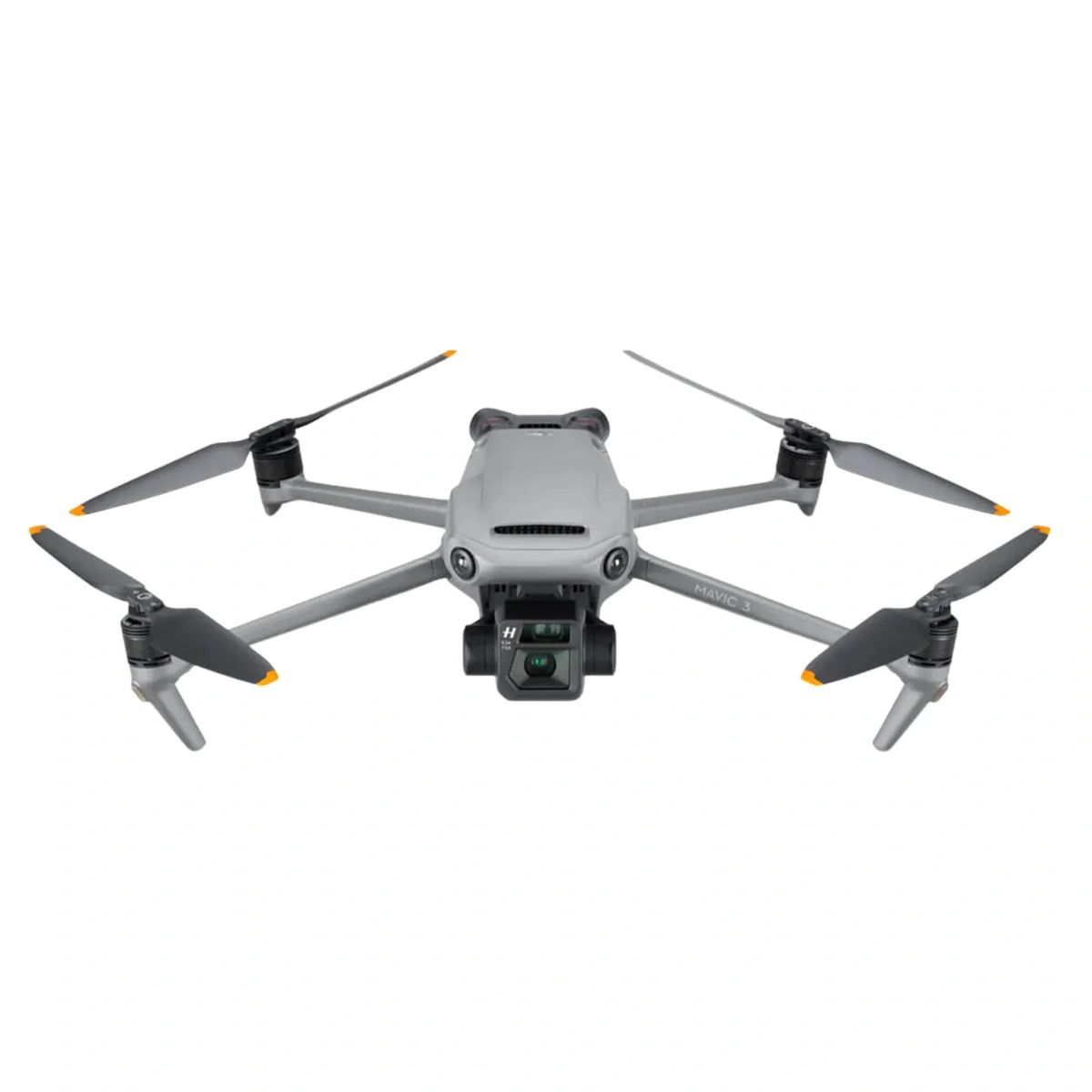
רשימת בדיקה ספציפית לדגם עבור מטוסים משומשים מסוג DJI Mavic 3, Cine, Classic ו-Pro: זהות גרסה, כריכת חשבון, סוללות, מצלמה, גימבל, חיישנים, אחסון, בדיקות טיסה והחלטות סיכון לתיקון.
Jul 15, 2026
כיצד לצלם מעברים קלים של TikTok עם מזל"ט: בדוק את סיכון הקונה, המסמכים, האימות והשלבים הבאים לפני הרכישה.

טיסה של DJI Mini 3 Pro בתוך הבית במחסן ללא: בדוק התאמה של הדגם, בדיקות מצב, אחריות וסיכון הקונה לפני...

DJI Air 3S הימנעות ממכשולים פנימיים בבנייה: בדוק את סיכון הקונה, המסמכים, האימות והשלבים הבאים לפני הרכישה.

DJI RS 4 Pro ו-Sony α7 IV: חיבור קווי וגימבל: בדוק את סיכון הקונה, המסמכים, האימות והשלבים הבאים לפני הרכישה.

קושחה DJI מקסיקו לעומת סין: הבדלים באזור ללא טיסה: בדוק את סיכון הקונה, המסמכים, האימות והשלבים הבאים לפני הרכישה.

הגדרת שפת הבקר DJI RC לבאסה: בדוק את סיכון הקונה, מסמכים, אימות והשלבים הבאים לפני הרכישה.

Hướng Dẫn Sử Dụng Drone Cho Người Mới Bắt Đầu Bằng Tiếng: בדוק את סיכון הקונה, המסמכים, האימות והשלבים הבאים...

ייבוא זמני של מזל"ט לאוסטרליה מהונג קונג: בדוק עלות נחיתה, מסמכי מכס, משלוח סוללה וסיכון הקונה לפני הרכישה.

חיי הסוללה DJI Air 3S מדורגים עד 45 דקות בתנאים מבוקרים. ראה מה משנה תוכנית טיסה ומה לאמת ביחידת יד...

המקומות הטובים ביותר הידידותיים למתחילים להטיס מזל"ט עם משפחה: בדוק התאמה של הדגם, בדיקות מצב, אחריות וסיכון הקונה לפני הרכישה.

הרשאת CAA לייצוא זמני: שליחת המל"ט שלך: בדוק רישיון, רישום, מרחב אווירי, פרטיות וסיכון הקונה לפני הרכישה.

משלוח מזל"ט משומש DJI מגואנגג'ואו ללונדון באמצעות: בדוק עלות נחיתה, מסמכי מכס, משלוח סוללה וסיכון הקונה לפני הרכישה.
From research to action
הטכנאים המוסמכים שלנו MOHRSS בסין מאבחנים תקלות DJI גימבל, מנוע, לוח ונזקי מים ברמת השבב. שלח תמונות ותסמינים - אתה מקבל טווח ראשוני בדולר ארה"ב תוך יום עסקים אחד, בחינם וללא התחייבות.
Quick answers
מנעול DJI GEO יכול להופיע ליד שדות תעופה, אתרים רגישים, אזורי גבול או הגבלות טיסה זמניות. תחילה בדוק את מפת ה-DJI FlySafe ואת הודעת המרחב האווירי של רשות התעופה המקומית שלך. אל תנסה לעקוף הגבלה חוקית. כאשר DJI מספק נתיב מורשה לביטול נעילה והטיסה שלך חוקית, שלח את האימות הנדרש לפני ההמראה.
עדכן קושחה דרך הDJI טוסאוDJI RCאפליקציה עם סוללה מעל 50% וחיבור יציב - לעולם אל תכבה באמצע העדכון. אם עדכון נכשל או שהמטוס לא יתחבר לאחר מכן, עצור ובדוק אותו; הבזק קושחה כושל הוא אחת התקלות הנפוצות ביותר שהטכנאים שלנו משחזרים.
השתמש ב-aUHS-I U3 / V30(או מהיר יותר) כרטיס microSD ממותג מוכר - V30 הוא המינימום עבור 4K, ו-4K120 נהנה מ-V60. פרמט את הכרטיס במטוס לפני הטיסה הראשונה שלך, ושמור כרטיס חילוף: תקלות קריאה/כתיבה בכרטיס נראות לרוב כמו כשל במצלמה.
הפעל את המשקפיים ואת המטוס, ודא שהם מחוברים לקושחה תואמת, ואז קשר אותם עם לחצן החיבור (או באפליקציה). עבור DJI Goggles V2 ומערכת Avata/FPV, הגדר את ה-IPD, הדיופטר והערוץ שלך לפני ההמראה. וידאו חלש או נופל הוא בדרך כלל אי התאמה של אנטנה, ערוץ או קושחה ולא תקלת חומרה.
הRC-N3(ו-RC-N1/N2) משתמש בטלפון שלך כמסך, בעודDJI RCוRC Proיש תצוגה מובנית. Compatibility is model-specific — an RC-N3 paired to a Mavic 3 won't necessarily bind to a Mini — so match the controller to your exact aircraft before buying a replacement.
דגלי מערכת DJI's GEOאזורים מוגבלים ואסור טיסה(שדות תעופה, גבולות, אתרים רגישים) ויגביל או יחסום המראה. אזורים מסוימים מאפשרים טיסה לאחר בקשת ביטול נעילה עם הרשאה תקפה; אחרים אף פעם לא עושים זאת. בדוק תמיד את מפת הזבוב DJI ואת חוקי המרחב האווירי הלאומי שלך - טיסה במרחב אווירי מבוקר ללא אישור עלולה להיות בלתי חוקית.