


רשום מצב מדויק
דף המוצר הוא מקור האמת למצב, פרטים גלויים, פריטים כלולים והערות תאימות ספציפיות לדגם.
מדריך מצבהוצא [סכום] נוסף עבור משלוח חינם
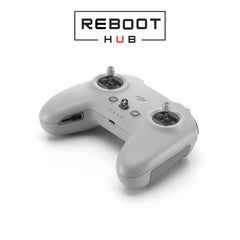
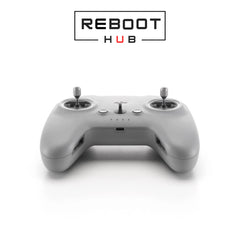
לא ניתן היה לטעון את זמינות האיסוף
לאחר התשלום, Reboot Hub מאשר את ההזמנה המדויקת, בודק את הפריט בפועל מול הרישום, מתעד הוכחה במידת הצורך, מקליט סרטון אריזה ומשתף מעקב.
למה Reboot Hub
אנו מצמצמים את השאלות שמקשות על רכישות בינלאומיות של יד שנייה: מה הפריט, איך הוא נראה, מה כלול, מה נבדק ומי ארז אותו.
דף המוצר הוא מקור האמת למצב, פרטים גלויים, פריטים כלולים והערות תאימות ספציפיות לדגם.
מדריך מצבמוצרי יד שנייה מתאימים כוללים את תנאי האחריות המוצגים בדף המוצר, עם החרגות המצוינות בבירור.
הצג את המדיניותהרקע הטכני שלנו תומך בבדיקה מעשית, סקירת סיכונים לתיקון ובדיקות תאימות לפני המשלוח.
האישורים שלנואנחנו לא שולחים הזמנות אלו. הצוות שלנו סוקר את הפריט, מכין הגנה, אורז אותו ומתעד את המשלוח.
הסטנדרט שלנוהוכחת אריזה
תיעוד האריזה האמיתי הזה מראה כיצד Reboot Hub מטפל בהזמנה בעלת ערך גבוה של RC Pro 2. אותו תהליך זהיר חל על כל הציוד שלנו: סקירת רישום, הגנה נוספת מתאימה, ריפוד, אטימה סופית ושליחה ניתנת למעקב.
עדות מוצר
הבן את היחידה המדויקת, המצב המוקלט, הראיות וההגנה מאחורי ההזמנה שלך.
תמונות בתוך דוח הבדיקה מציגות את היחידה בפועל שהוכנה להזמנה שלך, במקום מוצר מדגם בשימוש חוזר.
דרגת המצב ורשומת הבדיקה מתארת את אותה יחידה שאושרה ומוכנה למשלוח.
בדיקות פונקציות זמינות, תוצאות אבחון, הערות ווידאו תומך נחשפים עבור היחידה המסופקת.
תיעוד האריזה מתעד כיצד הפריט המאושר מוגן, מרופד ואטום עבור הזמנה זו לפני המשלוח.
מעקב משלוחים משותף לאחר המשלוח כך שרשומת המשלוח נשארת מחוברת להזמנה שאושרה.
מידע מדויק על המוצר
דף המוצר שנבחר, הגרסה והאישור בכתב נשארים מקור האמת לגבי מצב, תאימות, פריטים כלולים ותנאי אחריות.
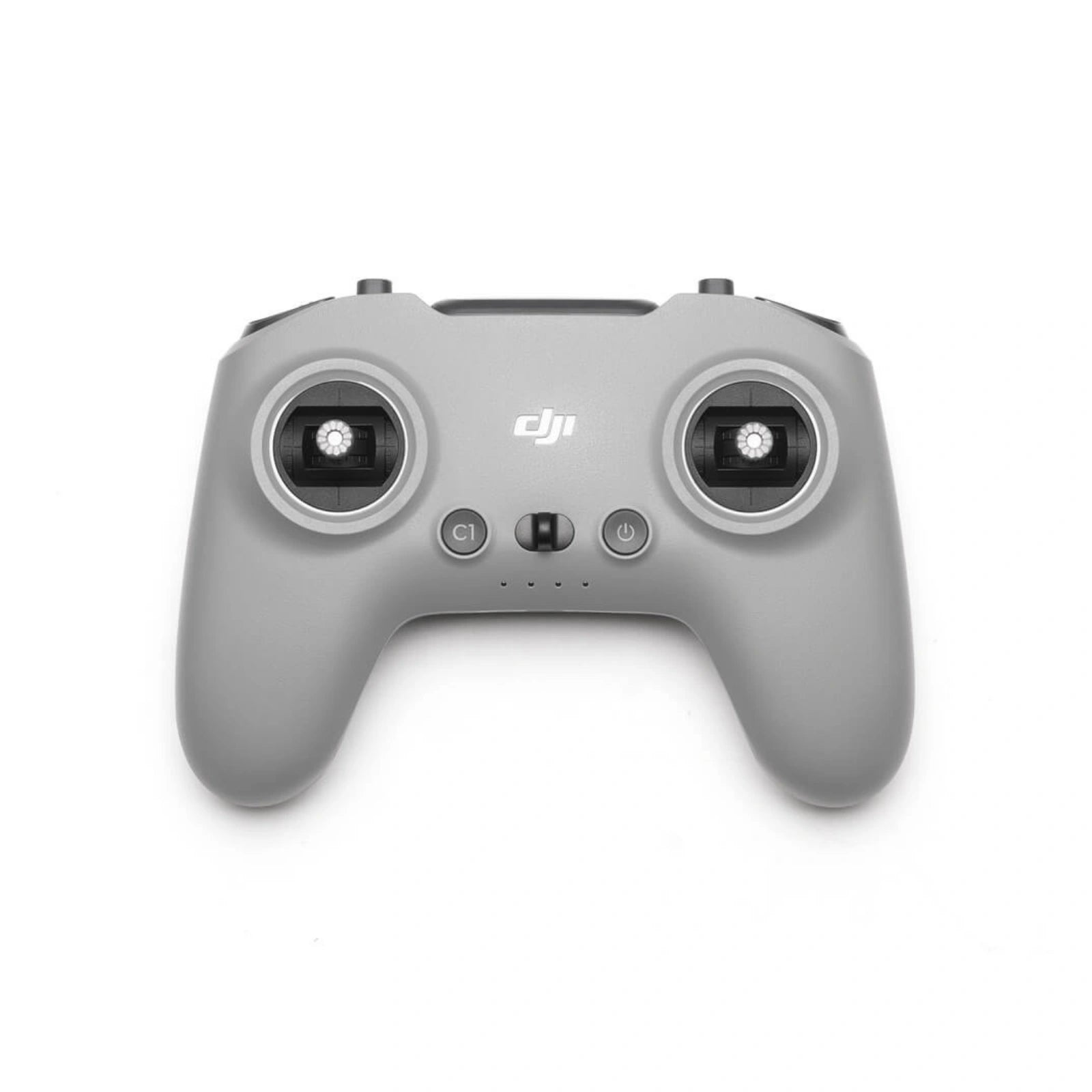
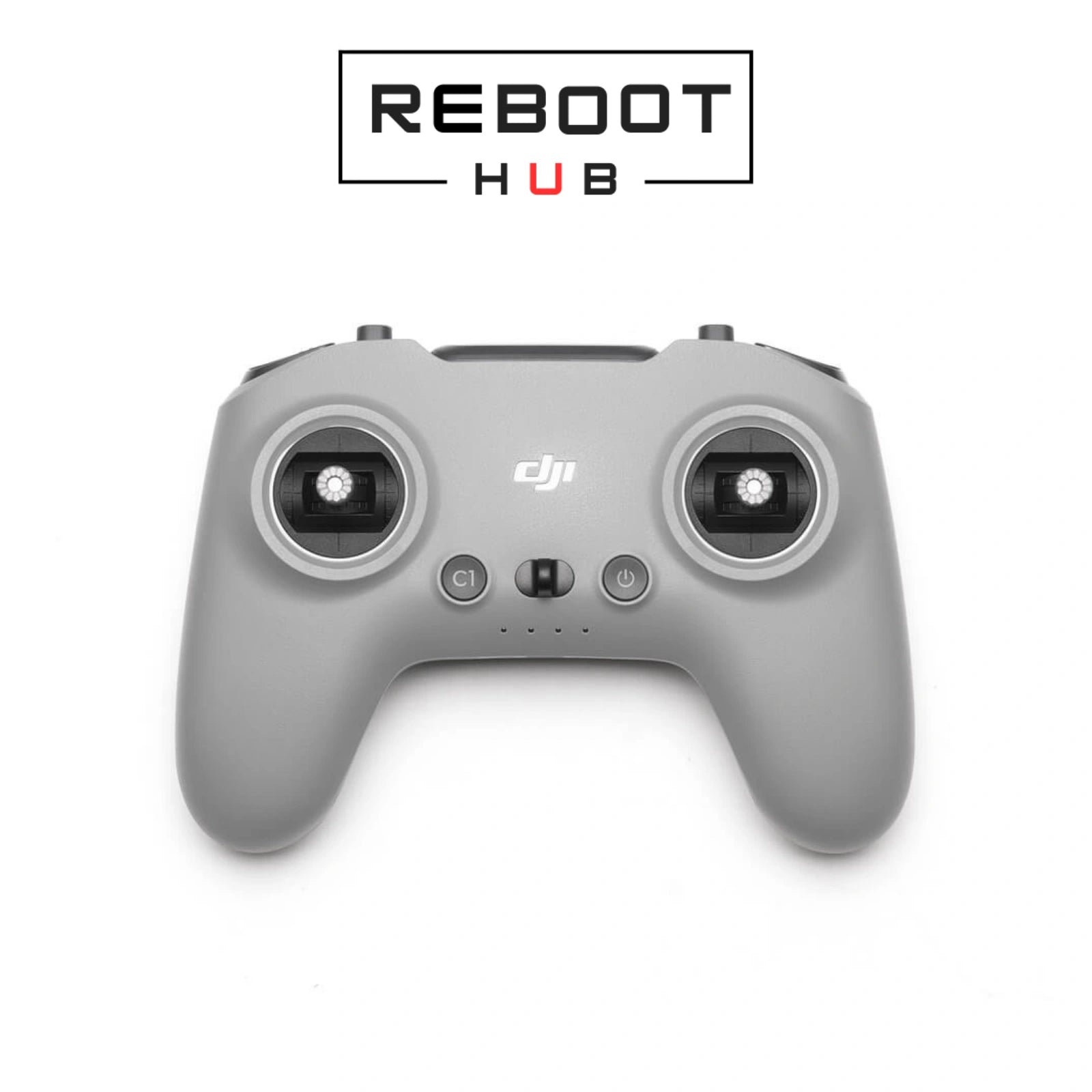
DJI FPV Remote Controller 3 is model-specific. Confirm aircraft model, transmission generation, firmware path, account or binding status, screen/app requirements, and whether your drone supports this controller before ordering.
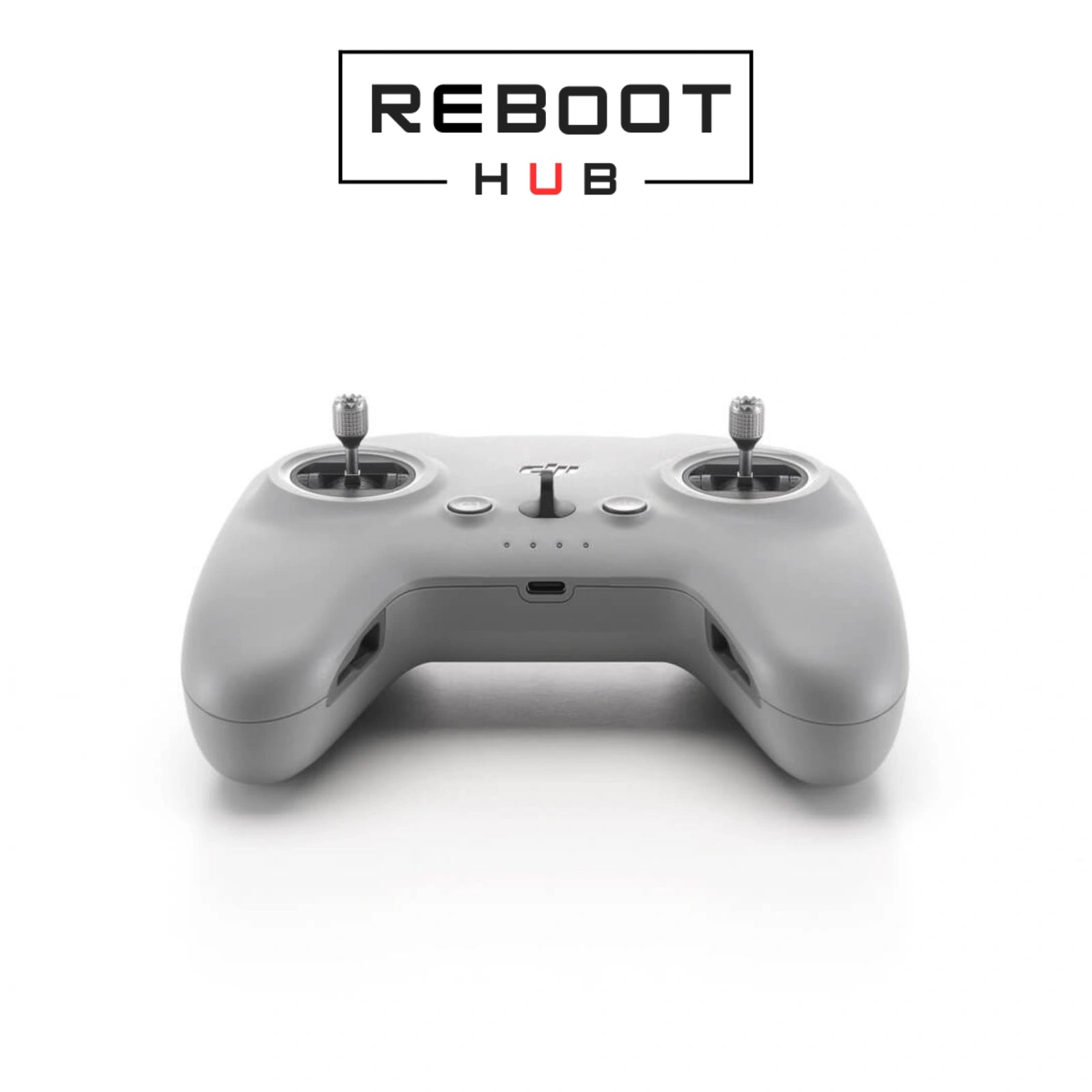
DJI FPV remote controller for precise control
DJI FPV Remote Controller 3 - Pre-owned · PRODUCT KNOWLEDGE
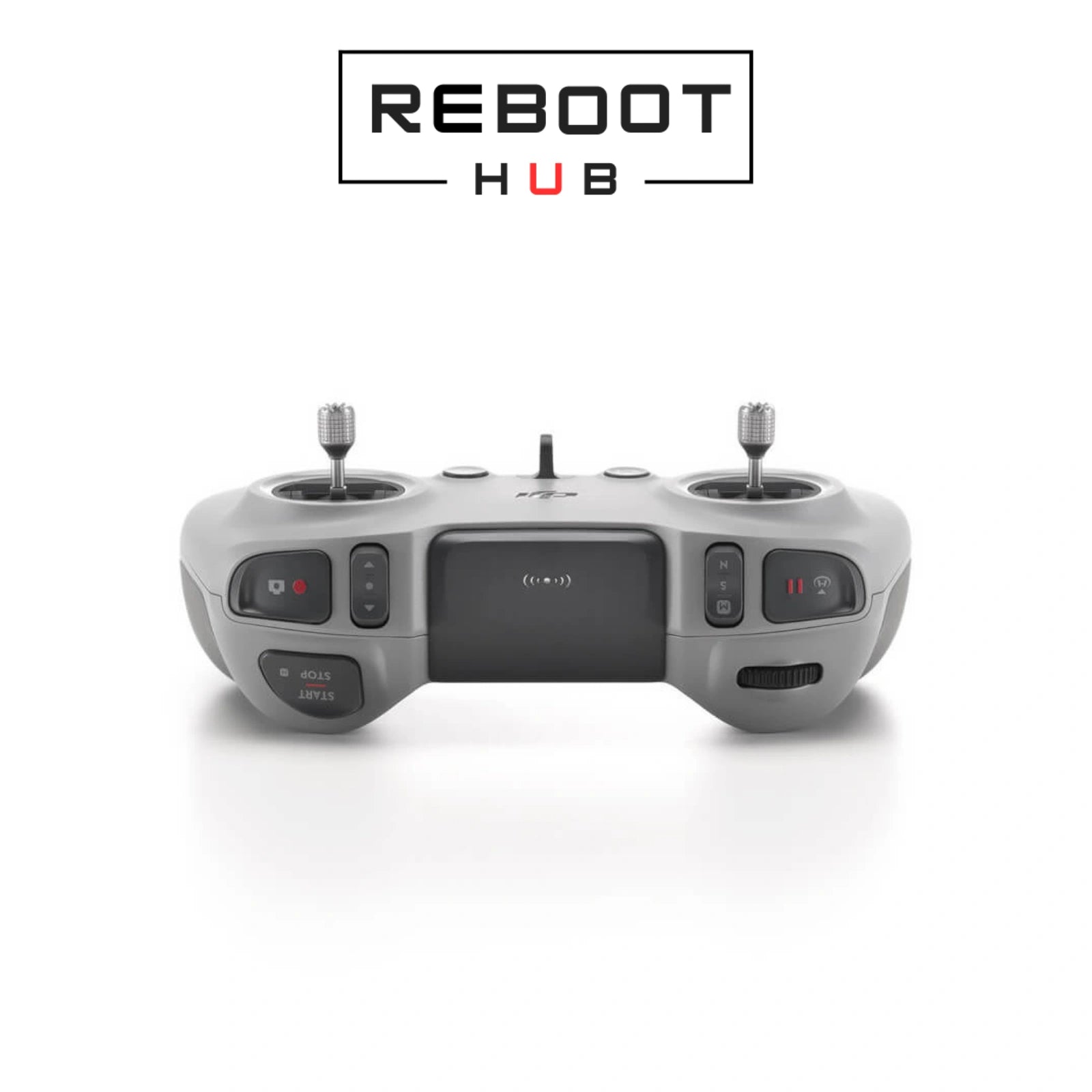
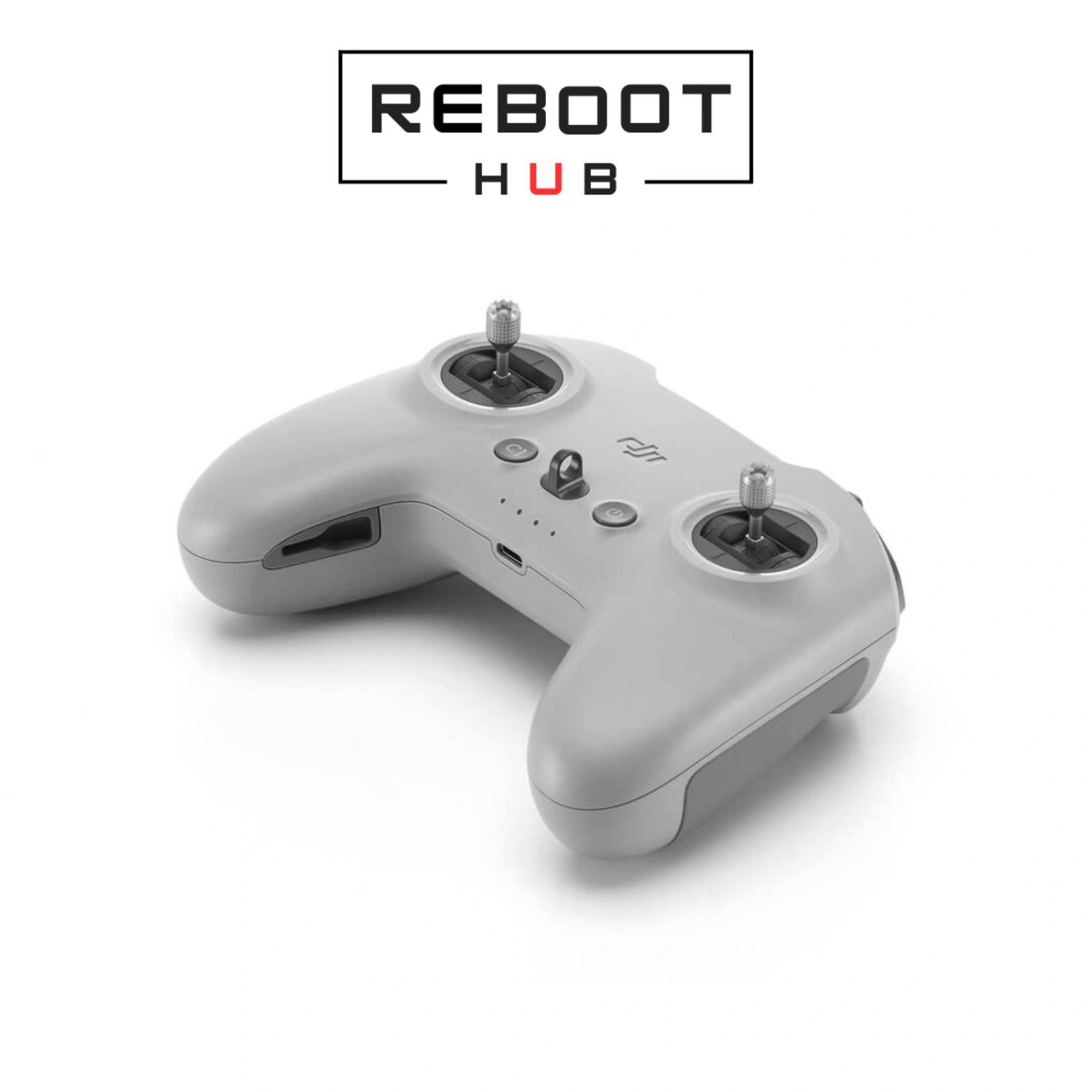
DJI FPV Remote Controller 3 is a dual-stick O4-generation controller with Normal, Sport and Manual modes and an approximately ten-hour operating reference. It requires the correct goggles-aircraft pairing for live flight.
Control style
Dual-stick FPV controllerSupports precision stick input and adjustable control feel.Flight modes
Normal · Sport · ManualManual mode requires appropriate training, setup and operating conditions.Transmission family
DJI O4 generationActual pairing also depends on the goggles and aircraft or air unit.Operating reference
Approx. 10 hoursActual duration varies with battery condition and use.Charging reference
USB-C · approx. 2 hoursDJI reference using the specified charging input.Reboot Hub checks
Sticks · switches · ports · charging · calibration · pairingThe selected controller is reviewed for control response and linked operation where applicable.בדיקת קונה בינלאומי
לפני ההזמנה, בדוק את גרסת הדגם, דרישות הרדיו של היעד, ההפעלה וכללי הטיסה המקומיים.
קרא את מדריך התאימות לאזור DJIתאימות מוצר
| פריט | סטטוס | מה צריך לדעת |
|---|---|---|
| DJI Avata 2 | Compatible | Use with DJI Goggles 3 or Goggles N3 on the documented third-generation path. |
| DJI Neo | Compatible | Use a supported Goggles 3 or Goggles N3 workflow and current firmware. |
| DJI O4 Air Unit Series · DJI O3 Air Unit | Supported path | Confirm the exact goggles and air-unit generation before pairing. |
| DJI Avata first generation | Use FPV Remote Controller 2 | Do not assume cross-generation controller compatibility. |
חבילה נבחרת = מקור האמת
The selected variant, its photographs and Reboot Hub written confirmation determine the exact included pieces.
הגרסה שנבחרה, התמונות שלה ורשומת הבדיקה Reboot Hub קובעים את החלקים המדויקים הכלולים.
Match DJI FPV Remote Controller 3 to the aircraft and transmission generation before attempting to pair.
Check the display where fitted, sticks, wheels, buttons, ports, antennas and battery response.
Use the correct DJI application and bring the aircraft and controller onto a compatible firmware combination.
Confirm linking, camera view, stick direction, buttons, wheels and safety settings before takeoff.
Charge with a compatible source, inspect the port and cable, and retry after allowing the battery to recover.
Confirm model compatibility, align firmware, select the correct DJI app and repeat the official linking sequence.
Check calibration and control mapping before deciding the hardware is faulty; stop use if input remains inconsistent.
Maintain battery power and internet access, restart the controller and app, then retry the official update workflow.
עדות מוצר מתועדת
שאלות מוצר
צוות אמיתי מאחורי הרישום
Reboot Hub תומכת בקונים ברחבי העולם עם ציוד יד שנייה שנבדק, חלקי OEM-pulled מקוריים, בדיקות תאימות ספציפיות לדגם, חיפוש קפדני ותמיכה לאחר המכירה המגובה בתיקון.
דלפק השירות שלנו נותן לקונים בינלאומיים צוות אמיתי לפנות אליו לפני המשלוח, לא רישום אנונימי בשוק.
Reboot Hub Service Desk - Shenzhen
התאמה מדויקת של חלקים וציוד
עבור חלקים, בקרים, מצלמות, גימבלים ואביזרים, Reboot Hub בודק את הפריט המדויק, זהות החלק, המצב הנראה לעין ותאימות ידועה מול המידע הזמין עבור ההזמנה. בקש מאיתנו לאמת התאמה לפני תשלום כאשר רכיב הוא ספציפי לדגם או לגרסה.
מדריכים, תמיכה ולמידה

Continue from the purchase decision into one organized model reference covering compatibility, setup, parts context, common failure points and supporting DJI documents.
קרא את המדריך
Use a practical aircraft, battery, propeller, controller, Home Point, and environment check before deciding to launch.
קרא את המדריך
Check the battery, charger, cable, temperature, and indicator behavior before treating a charging problem as a failed battery.
קרא את המדריך