


Unitree Go2修理ガイド:関節・バッテリー・キャリブレーション
ソースに裏付けられた Unitree Go2 の起動障害、不安定な歩行、キャリブレーション、アプリとセンサーの問題、バッテリーの安全性、修理エスカレーションについて、でっち上げられたエラー コードや故障率を伴わないトラブルシューティング。
さらに[金額]以上お支払いいただくと送料無料になります

Workshop knowledge
Repair, diagnostics, parts and maintenance guidance grounded in real DJI service work.
About this section
Start with the symptom, identify the affected system, then verify model and part compatibility before ordering or opening the aircraft. These articles connect repair questions to the relevant service, part and technical reference paths.

Reboot Hub Technical Curriculum
Move from flight physics and sensing to cameras, power, diagnosis and professional field systems. Each module leads naturally to the next, with focused lessons when you need more depth.
Your connected learning path
Read the nine cornerstone lessons in sequence. Use the focused branches for a specific fault, component or mission, then return to the main line.
Module 1 of 9
Understand lift, thrust, drag, torque and multirotor control.
Open Module 01How Drones Work: Lift, Controls, Parts and Real Uses→Module 2 of 9
Understand flight-control and inertial-sensing roles.
Open Module 02How Drone Flight Controllers Work: IMU, Sensors and Stability→Module 3 of 9
Understand positioning and obstacle-sensing boundaries.
Open Module 03DJI APAS and Obstacle Avoidance: Limits and Safer Use→Module 4 of 9
Understand command, telemetry, video and interference evidence.
Open Module 04How DJI Drones Transmit Commands, Telemetry and Live Video→Module 5 of 9
Understand imaging, stabilization and payload roles.
Open Module 05How Drone Cameras and Gimbals Work: Sensors and Payloads→Module 6 of 9
Understand motors, ESCs, propellers, batteries and charging.
Open Module 06How Drone Propulsion Works: Batteries, ESCs and Motors→Module 7 of 9
Build a repeatable readiness and condition process.
Open Module 07DJI Pre-Flight Checklist: Go/No-Go Checks Before Takeoff→Module 8 of 9
Know what to record, when to stop and when service begins.
Open Module 08Drone Repair Complete Guide→Module 9 of 9
Connect systems to mapping, inspection and agriculture work.
Open Module 09Enterprise Drone Procurement: Evidence and Fleet Support→Current library
Clear guidance, model context and the next useful action.
ソースに裏付けられた Unitree Go2 の起動障害、不安定な歩行、キャリブレーション、アプリとセンサーの問題、バッテリーの安全性、修理エスカレーションについて、でっち上げられたエラー コードや故障率を伴わないトラブルシューティング。
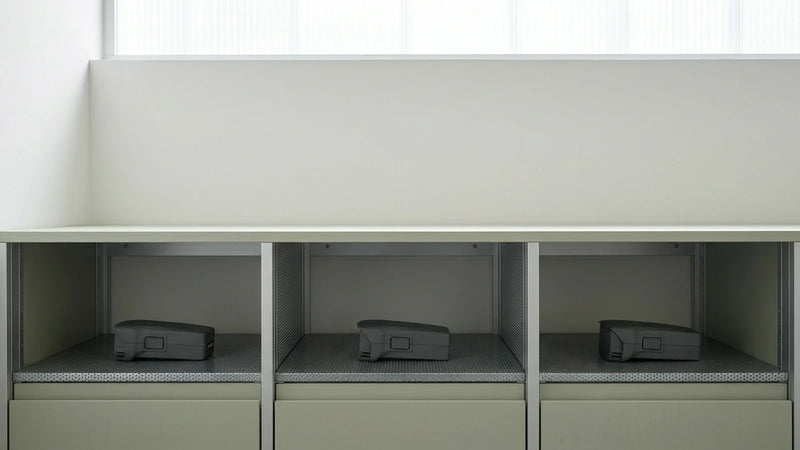
DJI バッテリー長期保管ガイドでは、リージョン全体の DJI の所有権に影響を与える可能性がある実際的なルール、ロジスティクス、または構成チェックについて説明します。地域の制限やサポート パスが重要な場合は、ドローンの購入、配送、飛行、輸入、またはメンテナンスの前に使用してください。

DJI Fly アプリ コンプリート ガイドは、DJI 所有者が部品を購入したり、サービスをリクエストしたり、飛行を続ける前に実践的なサポート チェックリストを提供します。症状、互換性チェック、保証範囲、修理の受け入れを 1 つのより明確な意思決定パスに結び付けます。
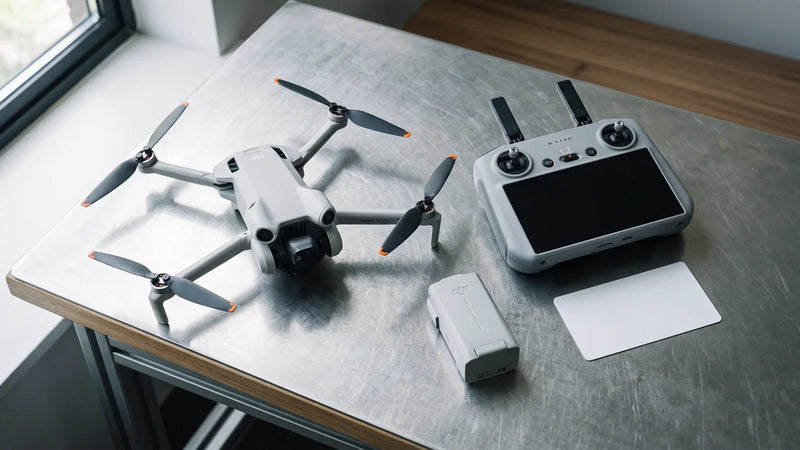
DJI RC コントローラー セットアップ ガイドは、DJI オーナーが部品を購入したり、サービスをリクエストしたり、飛行を続ける前に実践的なサポート チェックリストを提供します。症状、互換性チェック、保証範囲、修理の受け入れを 1 つのより明確な意思決定パスに結び付けます。

DJI ドローン ファームウェアを更新する方法 DJI 所有者は、部品を購入したり、サービスをリクエストしたり、飛行を続ける前に実用的なサポート チェックリストを提供します。症状、互換性チェック、保証範囲、修理の受け入れを 1 つのより明確な意思決定パスに結び付けます。

DJI Mini 4 Pro ファームウェア アップデート ガイドは、DJI 所有者が部品を購入したり、サービスをリクエストしたり、飛行を続ける前に実用的なサポート チェックリストを提供します。症状、互換性チェック、保証範囲、修理の受け入れを 1 つのより明確な意思決定パスに結び付けます。

DJI Assistant 2 完全ガイドは、DJI オーナーが部品を購入したり、サービスをリクエストしたり、飛行を続ける前に実践的なサポート チェックリストを提供します。症状、互換性チェック、保証範囲、修理の受け入れを 1 つのより明確な意思決定パスに結び付けます。
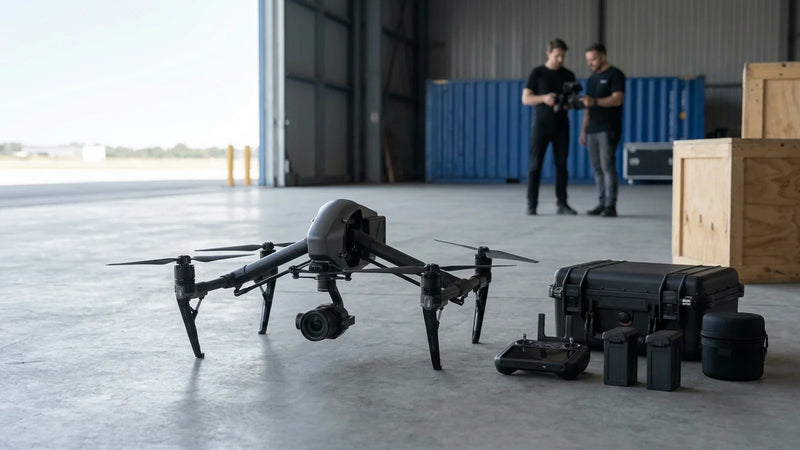
DJI Inspire 3 リペア ガイドでは、DJI Inspire 3 の一般的なチェック項目 (目に見える損傷、ジンバルの動作、センサーの警告、バッテリーの状態、ファームウェア、およびボード レベルの症状) の概要を説明します。修理、OEM-pulled 部品、保証の見直し、または交換のいずれが合理的であるかを判断するために使用してください。
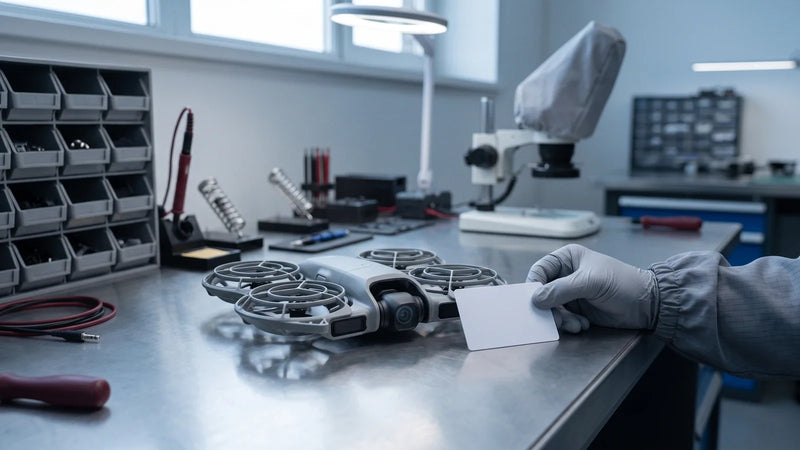
Neo 2の症状を無通電で安全に記録し、関連系統を切り分け、元の不具合に沿って修理結果を確認します。
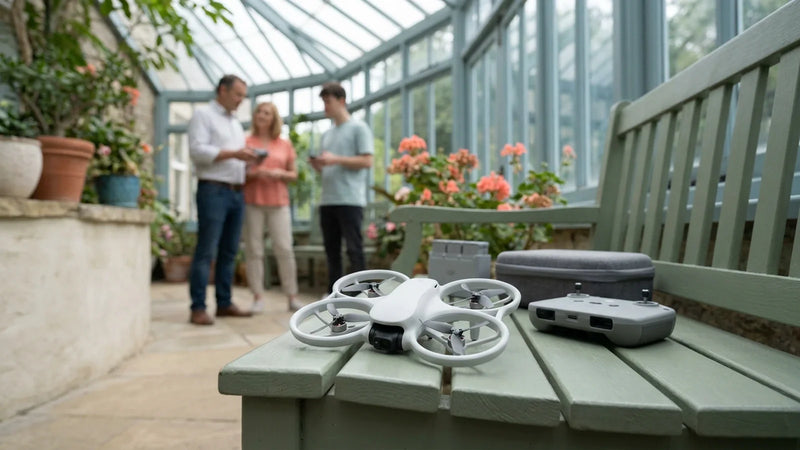
DJI Neo ドローン修理ガイドでは、DJI Neo ドローンの一般的なチェック項目の概要を説明します: 目に見える損傷、ジンバルの動作、センサーの警告、バッテリーの状態、ファームウェア、およびボードレベルの症状。修理、OEM-pulled 部品、保証の見直し、または交換のいずれが合理的であるかを判断するために使用してください。
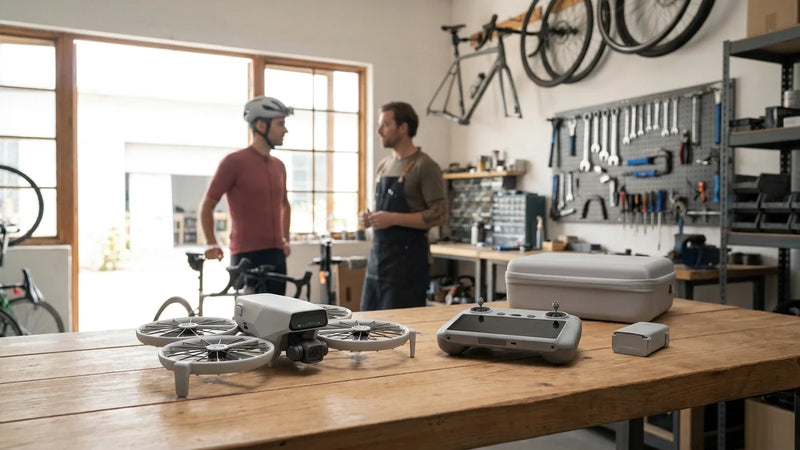
DJI Flip ドローン修理ガイドでは、DJI Flip ドローンの一般的なチェック項目の概要を説明します: 目に見える損傷、ジンバルの動作、センサーの警告、バッテリーの状態、ファームウェア、およびボードレベルの症状。修理、OEM-pulled 部品、保証の見直し、または交換のいずれが合理的であるかを判断するために使用してください。
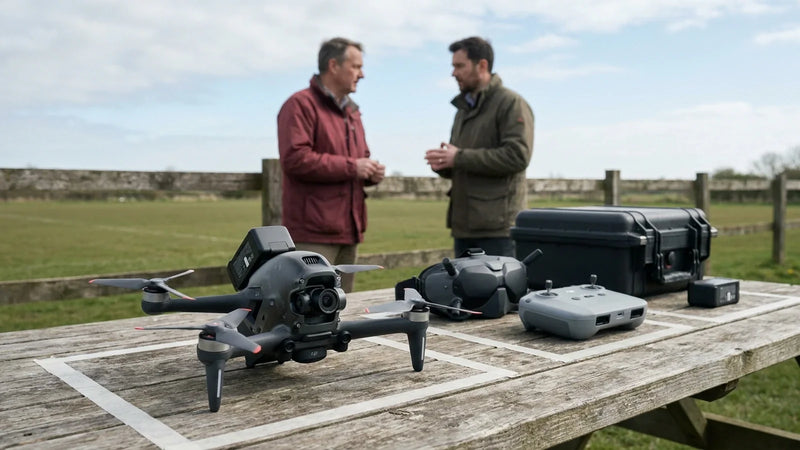
DJI FPV ドローン修理ガイドでは、DJI FPV ドローンの一般的なチェック項目の概要を説明します: 目に見える損傷、ジンバルの動作、センサーの警告、バッテリーの状態、ファームウェア、およびボードレベルの症状。修理、OEM-pulled 部品、保証の見直し、または交換のいずれが合理的であるかを判断するために使用してください。
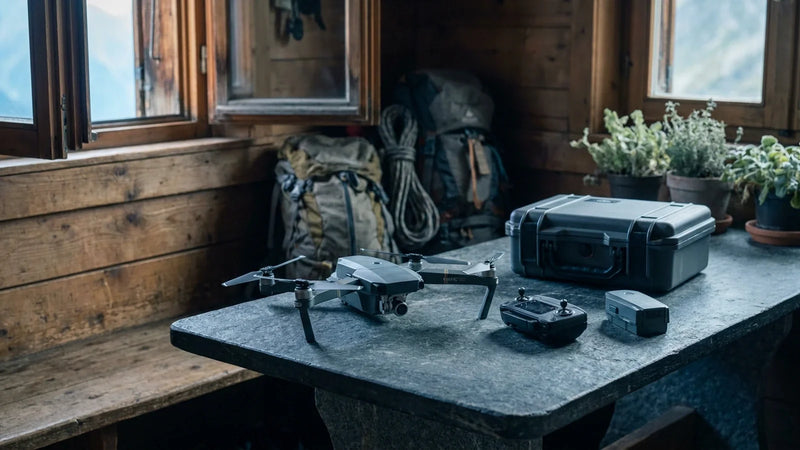
DJI Mavic Pro リペア ガイドでは、DJI Mavic Pro の一般的なチェック項目の概要を示します: 目に見える損傷、ジンバルの動作、センサーの警告、バッテリーの状態、ファームウェア、およびボード レベルの症状。修理、OEM-pulled 部品、保証の見直し、または交換のいずれが合理的であるかを判断するために使用してください。