


Sådan filmes nemme TikTok-overgange med en drone i Japan: Trin-for-trin-vejledning for begyndere
Sådan filmes nemme TikTok-overgange med en drone: tjek køberrisiko, dokumenter, verifikation og næste trin før køb.
Brug [beløb] mere for gratis forsendelse

Drone guider
Trin-for-trin DJI flyve-, film-, firmware- og licensvejledninger - skrevet af Kina-baserede, MOHRSS-certificerede DJI reparationsspecialister.
About this section
Reboot Hub's Drone Guides er trin-for-trin, felttestede gennemgange skrevet af vores Kina-baserede,MOHRSS-certificerede DJI-teknikere— de samme mennesker, der reparerer og inspicerer hundredvis af DJI-fly hver måned. Uanset om du konfigurerer en ny controller, filmer dit første biografiske træk eller bliver lovlig til at flyve, besvarer hver guide et rigtigt spørgsmål fra ende til anden.
Gennemse praktisk hjælp på tværsflyve- og filmteknik,DJI Goggles & FPV opsætning,RC-N3 og DJI RC controllere,firmwareopdateringer,SD-kort og lagervalg,No-fly-zone og Part 107 / FAA licenseringog kontrol før flyvning. Hver guide er tværbundet tilDrone Wikifor deldata på rivningsniveau og til inspektionsverificeretbrugt DJI dronerbedømt imodvores offentliggjorte karakterstandard— så du altid ved, hvad du flyver, og hvad det koster at reparere.
Find your route
Udforsk efter emne
Connected research
Current library
Clear guidance, model context and the next useful action.
Featured
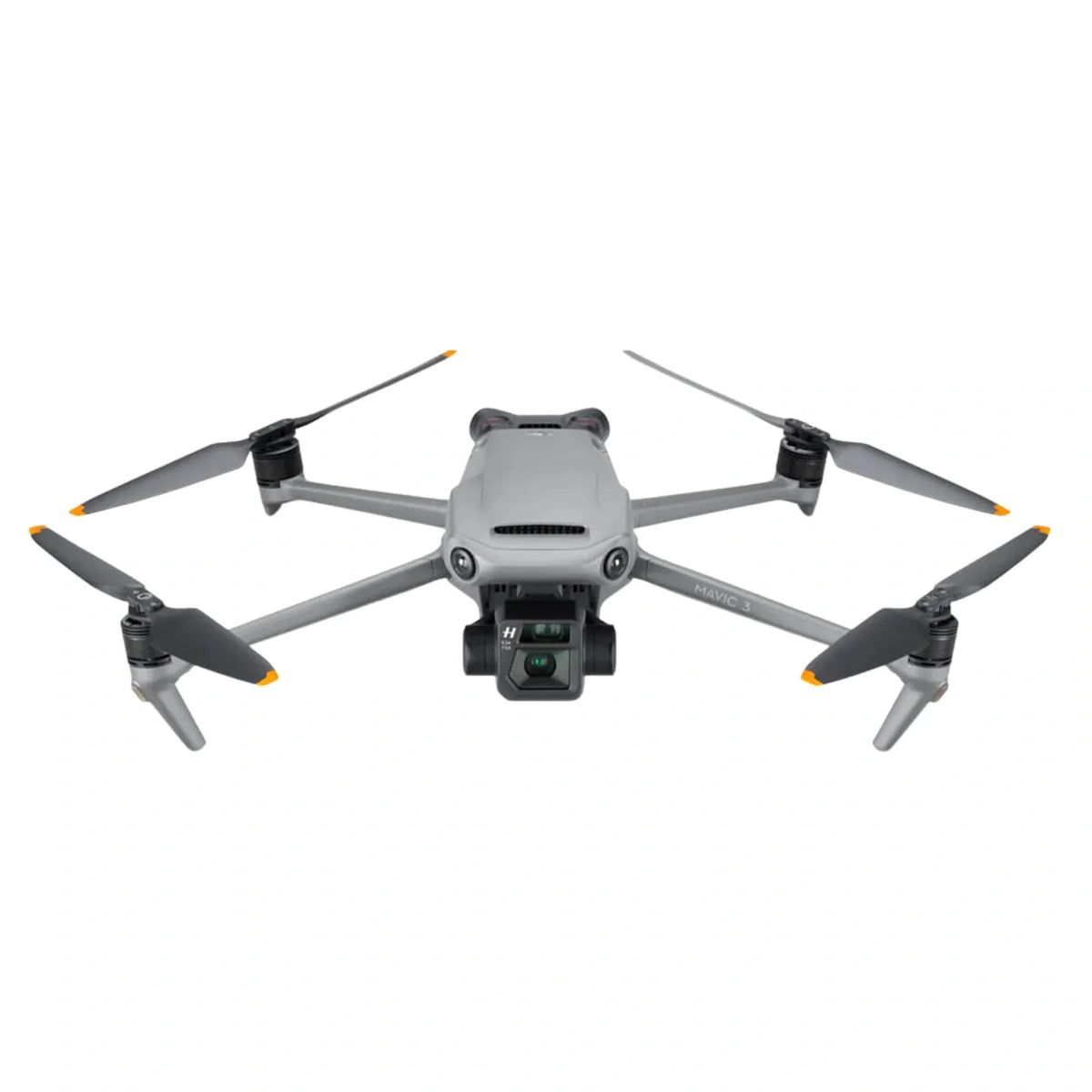
En modelspecifik tjekliste for brugte DJI Mavic 3, Cine, Classic og Pro fly: variantidentitet, kontobinding, batterier, kamera, gimbal, sensorer, opbevaring, flytest og reparationsrisikobeslutninger.
Jul 15, 2026
Sådan filmes nemme TikTok-overgange med en drone: tjek køberrisiko, dokumenter, verifikation og næste trin før køb.

Flyvning af DJI Mini 3 Pro indendørs i et lager uden: Tjek modelpasform, tilstandstjek, garanti og køberrisiko før køb.

DJI Air 3S Undgåelse af indendørs forhindring ved konstruktion: tjek købers risiko, dokumenter, verifikation og næste trin før køb.

DJI RS 4 Pro og Sony α7 IV: Kablet forbindelse og kardan: Tjek købers risiko, dokumenter, verifikation og næste trin...

DJI Firmware Mexico vs. Kina: No-Fly Zone Forskelle: Tjek køberrisiko, dokumenter, verifikation og næste trin før køb.

Setting the DJI RC Controller Language to Bahasa: check buyer risk, documents, verification, and next steps before purchase.

Hướng Dẫn Sử Dụng Drone Cho Người Mới Bắt Đầu Bằng Tiếng: Tjek køberrisiko, dokumenter, verifikation og næste trin før...

Midlertidig import af en drone til Australien fra Hongkong: tjek landingsomkostninger, tolddokumenter, batteriforsendelse og køberrisiko før køb.

DJI Air 3S Batterilevetid i sommervarme: tjek landingsomkostninger, tolddokumenter, batteriforsendelse og køberrisiko før køb.

Bedste begyndervenlige steder at flyve en drone med familien: Tjek modelpasform, tilstandstjek, garanti og køberrisiko før køb.

CAA-tilladelse til midlertidig eksport: Afsendelse af din drone: tjek licens, registrering, luftrum, privatliv og køberrisiko før køb.

Forsendelse af en brugt DJI Drone fra Guangzhou til London via: tjek landede omkostninger, tolddokumenter, batteriforsendelse og køberrisiko før køb.
From research to action
Vores MOHRSS-certificerede teknikere i Kina diagnosticerer DJI kardan-, motor-, board- og vandskadefejl på chipniveau. Send billeder og symptomer – du får et foreløbigt USD-interval inden for 1 hverdag, gratis og uforpligtende.
Quick answers
En DJI GEO-lås kan dukke op i nærheden af lufthavne, følsomme steder, grænseområder eller midlertidige flyrestriktioner. Tjek først DJI FlySafe-kortet og din lokale luftfartsmyndigheds luftrumsmeddelelse. Forsøg ikke at omgå en gyldig begrænsning. Hvor DJI giver en autoriseret oplåsningssti, og dit fly er lovligt, skal du indsende den påkrævede bekræftelse inden start.
Opdater firmware viaDJI FlyellerDJI RCapp med et batteri på over 50 % og en stabil forbindelse — sluk aldrig midt i opdateringen. Hvis en opdatering mislykkes, eller flyet ikke binder bagefter, skal du stoppe og få det tjekket; et mislykket firmwareflash er en af de mest almindelige fejl, som vores teknikere retter op.
Brug enUHS-I U3 / V30(eller hurtigere) microSD-kort fra et kendt mærke — V30 er minimum for 4K, og 4K120 drager fordel af V60. Formater kortet i flyet før din første flyvning, og behold en ekstra: Kortlæse-/skrivefejl ligner ofte en kamerafejl.
Sæt strøm til beskyttelsesbrillerne og flyet, bekræft, at de er på matchende firmware, og tilknyt dem derefter med bindeknappen (eller i appen). For DJI Goggles V2 og Avata/FPV-systemet skal du indstille din IPD, dioptri og kanal før start. Svag eller faldende video er normalt en antenne-, kanal- eller firmwarefejl snarere end en hardwarefejl.
DenRC-N3(og RC-N1/N2) bruger din telefon som skærm, mensDJI RCogRC Prohar et indbygget display. Kompatibiliteten er modelspecifik - en RC-N3 parret med en Mavic 3 binder ikke nødvendigvis til en Mini - så match controlleren til dit nøjagtige fly, før du køber en erstatning.
DJI's GEO-systemflagbegrænsede og flyveforbudszoner(lufthavne, grænser, følsomme steder) og vil begrænse eller blokere start. Nogle zoner tillader flyvning efter en oplåsningsanmodning med gyldig autorisation; andre gør aldrig. Tjek altid DJI Fly-kortet og dine nationale luftrumsregler – at flyve i kontrolleret luftrum uden tilladelse kan være ulovligt.