


Hur man filmar enkla TikTok-övergångar med en drönare i Japan: steg-för-steg handledning för nybörjare
Hur man filmar enkla TikTok-övergångar med en drönare: kontrollera köparrisk, dokument, verifiering och nästa steg innan köp.
Due to APEC, new orders placed from October 26 will ship in late November. Thank you for your patience.
Due to APEC, new orders placed from October 26 will ship in late November. Thank you for your patience.
Due to APEC, new orders placed from October 26 will ship in late November. Thank you for your patience.
Due to APEC, new orders placed from October 26 will ship in late November. Thank you for your patience.
Due to APEC, new orders placed from October 26 will ship in late November. Thank you for your patience.
Due to APEC, new orders placed from October 26 will ship in late November. Thank you for your patience.
Due to APEC, new orders placed from October 26 will ship in late November. Thank you for your patience.
Due to APEC, new orders placed from October 26 will ship in late November. Thank you for your patience.
Due to APEC, new orders placed from October 26 will ship in late November. Thank you for your patience.
Due to APEC, new orders placed from October 26 will ship in late November. Thank you for your patience.
Due to APEC, new orders placed from October 26 will ship in late November. Thank you for your patience.
Due to APEC, new orders placed from October 26 will ship in late November. Thank you for your patience.
Due to APEC, new orders placed from October 26 will ship in late November. Thank you for your patience.
Due to APEC, new orders placed from October 26 will ship in late November. Thank you for your patience.
Due to APEC, new orders placed from October 26 will ship in late November. Thank you for your patience.
Due to APEC, new orders placed from October 26 will ship in late November. Thank you for your patience.
Spendera $99 mer för gratis frakt

Drönarguider
Steg-för-steg DJI flyg-, filmnings-, firmware- och licensguider – skrivna av Kina-baserade, MOHRSS-certifierade DJI reparationsspecialister.
About this section
Reboot Hub's Drönarguider är steg-för-steg, fälttestade genomgångar skrivna av våra Kina-baserade,MOHRSS-certifierade DJI-tekniker— samma personer som reparerar och inspekterar hundratals DJI-flygplan varje månad. Oavsett om du sätter upp en ny kontroller, filmar ditt första filmdrag eller blir laglig att flyga, svarar varje guide på en riktig fråga från början.
Bläddra genom praktisk hjälpflyg- och filmteknik,DJI Goggles & FPV inställning,RC-N3 och DJI RC kontroller,firmwareuppdateringar,SD-kort och lagringsalternativ,flygförbudszon och del 107 / FAA licensieringoch kontroller före flygning. Varje guide är tvärbunden tillDrone Wikiför deldata på rivningsnivå och för inspektionsverifieradbegagnad DJI drönarebetygsatt motvår publicerade betygsstandard— så att du alltid vet vad du flyger och vad det kostar att fixa.
Find your route
Utforska efter ämne
Connected research
Current library
Clear guidance, model context and the next useful action.
Featured
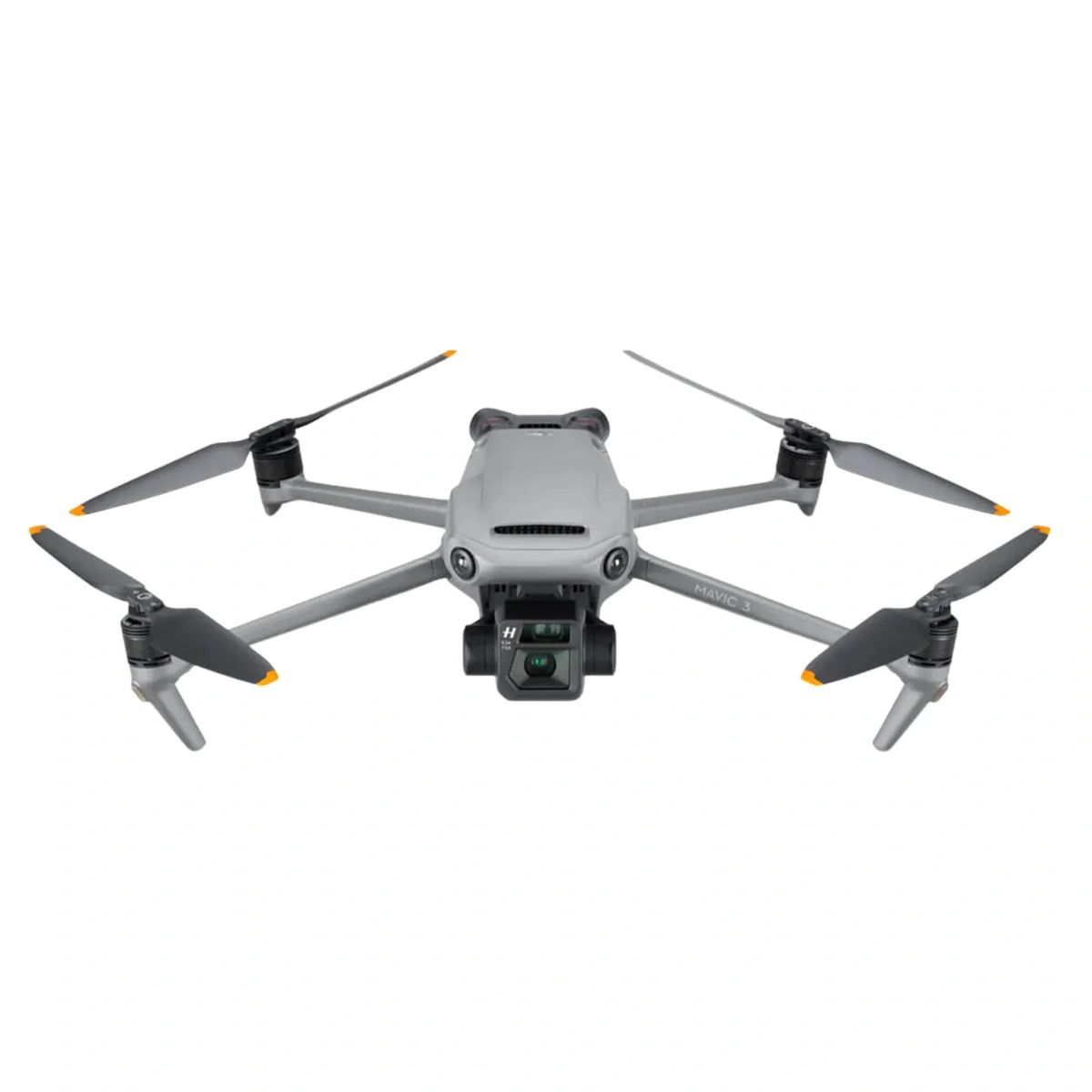
En modellspecifik checklista för begagnade DJI Mavic 3, Cine, Classic och Pro flygplan: variantidentitet, kontobindning, batterier, kamera, kardan, sensorer, lagring, flygtest och reparationsriskbeslut.
Jul 15, 2026
Hur man filmar enkla TikTok-övergångar med en drönare: kontrollera köparrisk, dokument, verifiering och nästa steg innan köp.

Flyga DJI Mini 3 Pro inomhus i ett lager Utan: kontrollera modellpassform, konditionskontroller, garanti och köparrisk före köp.

DJI Air 3S Undvikande av hinder inomhus vid konstruktion: kontrollera köparens risk, dokument, verifiering och nästa steg före köp.

DJI RS 4 Pro och Sony α7 IV: Trådbunden anslutning och kardan: kontrollera köparens risk, dokument, verifiering och nästa steg...

DJI Firmware Mexiko vs. Kina: Skillnader i flygförbud: kontrollera köparens risk, dokument, verifiering och nästa steg innan köp.

Setting the DJI RC Controller Language to Bahasa: check buyer risk, documents, verification, and next steps before purchase.

Hướng Dẫn Sử Dụng Drone Cho Người Mới Bắt Đầu Bằng Tiếng: kontrollera köparens risk, dokument, verifiering och nästa steg...

Tillfällig import av en drönare till Australien från Hong Kong: kontrollera landningskostnad, tulldokument, batterifrakt och köparrisk innan köp.

DJI Air 3S Batterilivslängd i sommarvärme: kontrollera landad kostnad, tulldokument, batterileverans och köparrisk innan köp.

Bästa nybörjarvänliga platser för att flyga en drönare med familj: kontrollera modellpassform, skickkontroller, garanti och köparrisk innan köp.

CAA-tillstånd för tillfällig export: Skicka din drönare: kontrollera licens, registrering, luftrum, integritet och köparrisk innan köp.

Skicka en begagnad DJI-drönare från Guangzhou till London via: kontrollera landad kostnad, tulldokument, batterifrakt och köparrisk före köp.
From research to action
Våra MOHRSS-certifierade tekniker i Kina diagnostiserar DJI kardan-, motor-, kort- och vattenskador på chipnivå. Skicka bilder och symptom — du får ett preliminärt intervall i USD inom 1 arbetsdag, gratis och utan förpliktelser.
Quick answers
Ett DJI GEO-lås kan visas nära flygplatser, känsliga platser, gränsområden eller tillfälliga flygrestriktioner. Kontrollera först DJI FlySafe-kartan och din lokala luftfartsmyndighets luftrumsmeddelande. Försök inte att kringgå en giltig begränsning. Om DJI tillhandahåller en auktoriserad upplåsningsväg och ditt flyg är lagligt, skicka in den erforderliga verifieringen före start.
Uppdatera firmware viaDJI FlugaellerDJI RCapp med batteriet över 50 % och en stabil anslutning — stäng aldrig av mitt i uppdateringen. Om en uppdatering misslyckas eller flygplanet inte binder efteråt, stanna och få det kontrollerat; en misslyckad firmware-blixt är ett av de vanligaste felen som våra tekniker återställer.
Använd aUHS-I U3 / V30(eller snabbare) microSD-kort från ett känt märke — V30 är minimum för 4K, och 4K120 drar nytta av V60. Formatera kortet i flygplanet innan din första flygning och behåll ett extra: kortläs-/skrivfel ser ofta ut som ett kamerafel.
Slå på glasögonen och flygplanet, bekräfta att de har matchande firmware och länka dem sedan med bindningsknappen (eller i appen). För DJI Goggles V2 och Avata/FPV-systemet, ställ in din IPD, dioptri och kanal innan start. Svag eller tappad video är vanligtvis en antenn, kanal eller firmware som inte matchar snarare än ett hårdvarufel.
DenRC-N3(och RC-N1/N2) använder din telefon som skärm, medanDJI RCochRC Prohar en inbyggd display. Kompatibiliteten är modellspecifik – en RC-N3 parad med en Mavic 3 binder inte nödvändigtvis till en Mini – så matcha styrenheten till ditt exakta flygplan innan du köper en ersättning.
DJI's GEO-systemflaggorbegränsade och flygförbudszoner(flygplatser, gränser, känsliga platser) och kommer att begränsa eller blockera start. Vissa zoner tillåter flygning efter en upplåsningsförfrågan med giltig auktorisation; andra gör det aldrig. Kontrollera alltid DJI Fly-kartan och dina nationella luftrumsregler – att flyga i kontrollerat luftrum utan tillstånd kan vara olagligt.