


Exacte staat vermeld
De productpagina is de bron van waarheid voor staat, zichtbare details, meegeleverde items en modelspecifieke compatibiliteitsopmerkingen.
ConditiegidsGeef [bedrag] meer uit voor gratis verzending
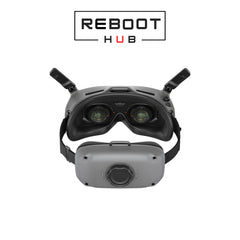
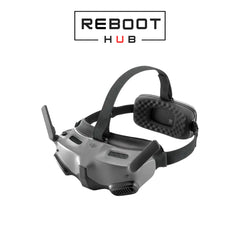
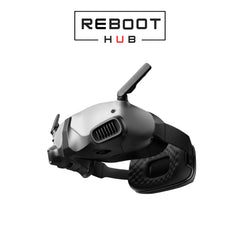
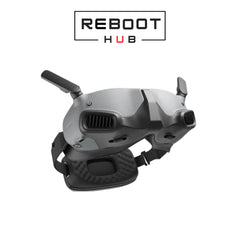
Kan beschikbaarheid voor afhalen niet laden
Na het afrekenen bevestigt Reboot Hub de exacte bestelling, vergelijkt het daadwerkelijke artikel met de aanbieding, documenteert het bewijs indien van toepassing, neemt een verpakkingsvideo op en deelt de tracking.
Waarom Reboot Hub
We verminderen de vragen die internationale tweedehands-aankopen moeilijk maken: wat het artikel is, hoe het eruit ziet, wat er bij zit, wat er is gecontroleerd en wie het heeft verpakt.
De productpagina is de bron van waarheid voor staat, zichtbare details, meegeleverde items en modelspecifieke compatibiliteitsopmerkingen.
ConditiegidsVoor in aanmerking komende tweedehands-producten gelden de garantievoorwaarden die op de productpagina worden weergegeven, waarbij de uitsluitingen duidelijk worden vermeld.
Bekijk beleidOnze technische achtergrond ondersteunt praktische inspecties, reparatierisicobeoordelingen en compatibiliteitscontroles vóór verzending.
Onze certificeringenWij dropshippen deze bestellingen niet. Ons eigen team beoordeelt het artikel, bereidt de bescherming voor, verpakt het en registreert de verzending.
Onze standaardVerpakkingsbewijs
Dit echte Goggles 2 pre-verzendingsrecord laat zien hoe Reboot Hub DJI Goggles bestellingen controleert, beschermt, buffert, verzegelt en voorbereidt. Dezelfde gedocumenteerde verwerkingsnorm wordt toegepast op de Goggles-serie vóór traceerbare verzending.
PRODUCTBEWIJS
Begrijp de exacte eenheid, geregistreerde staat, bewijsmateriaal en bescherming achter uw bestelling.
Foto's in het inspectierapport tonen het daadwerkelijke apparaat dat is voorbereid voor uw bestelling, in plaats van een hergebruikt voorbeeldproduct.
De conditieklasse en het inspectierapport beschrijven dezelfde eenheid die is goedgekeurd en gereed is voor verzending.
Beschikbare functiecontroles, diagnostische resultaten, opmerkingen en ondersteunende video's worden openbaar gemaakt voor de geleverde eenheid.
Het verpakkingsdocument documenteert hoe het goedgekeurde artikel voor deze bestelling vóór verzending wordt beschermd, opgevuld en verzegeld.
Het volgen van de zending wordt na verzending gedeeld, zodat het leveringsrecord verbonden blijft met de bevestigde bestelling.
Exacte productinformatie
De geselecteerde productpagina, variant en schriftelijke bevestiging blijven de bron van waarheid voor staat, compatibiliteit, meegeleverde artikelen en garantievoorwaarden.
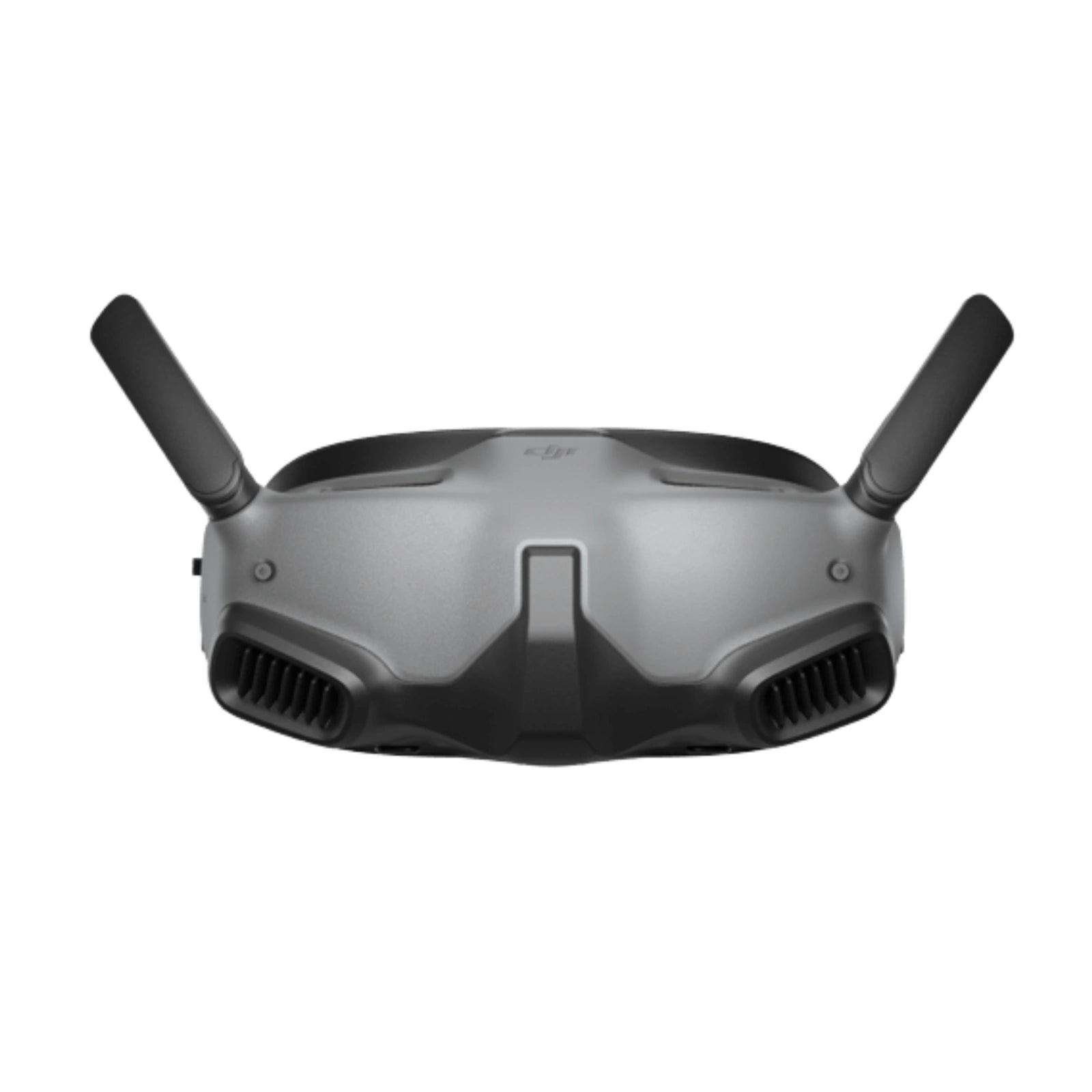
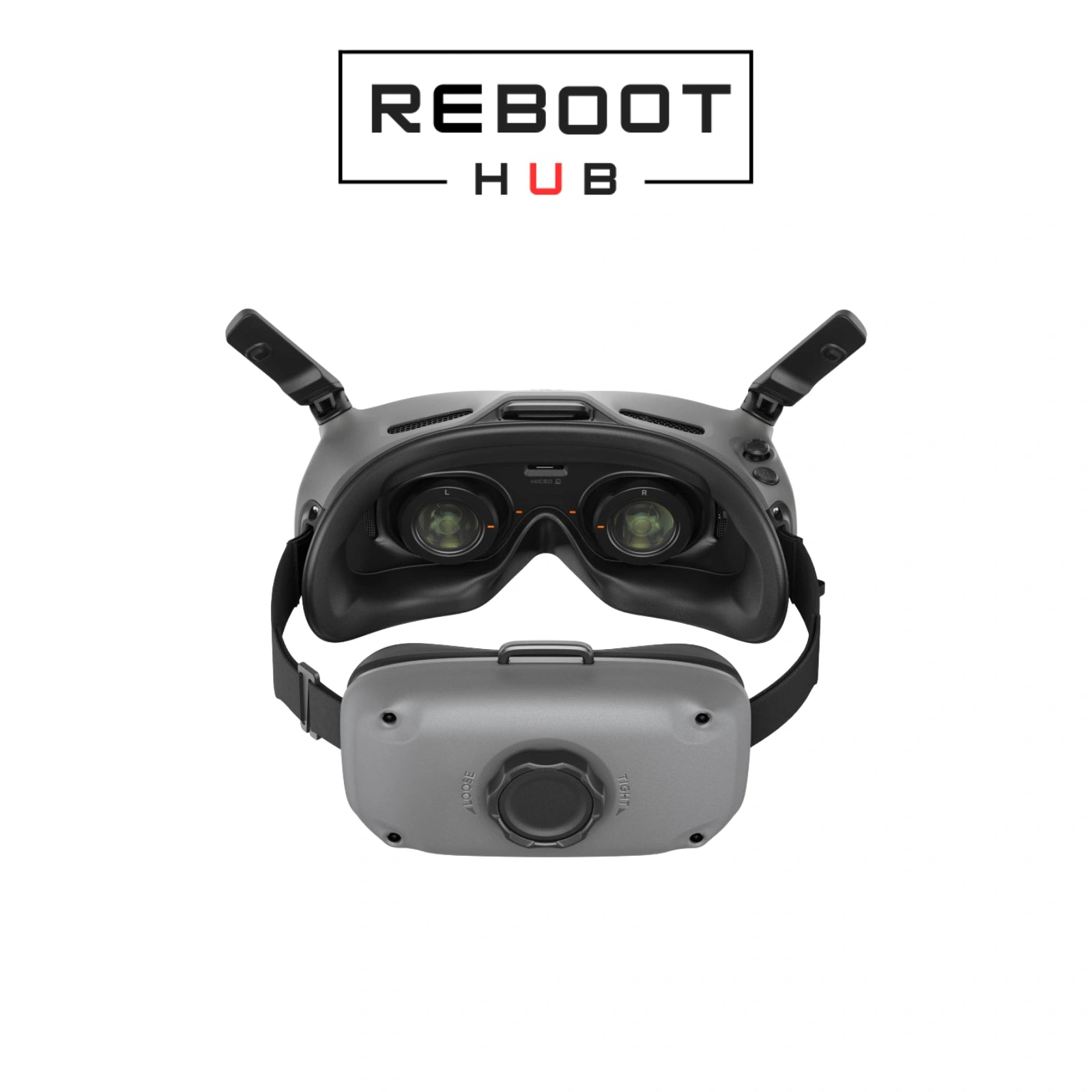
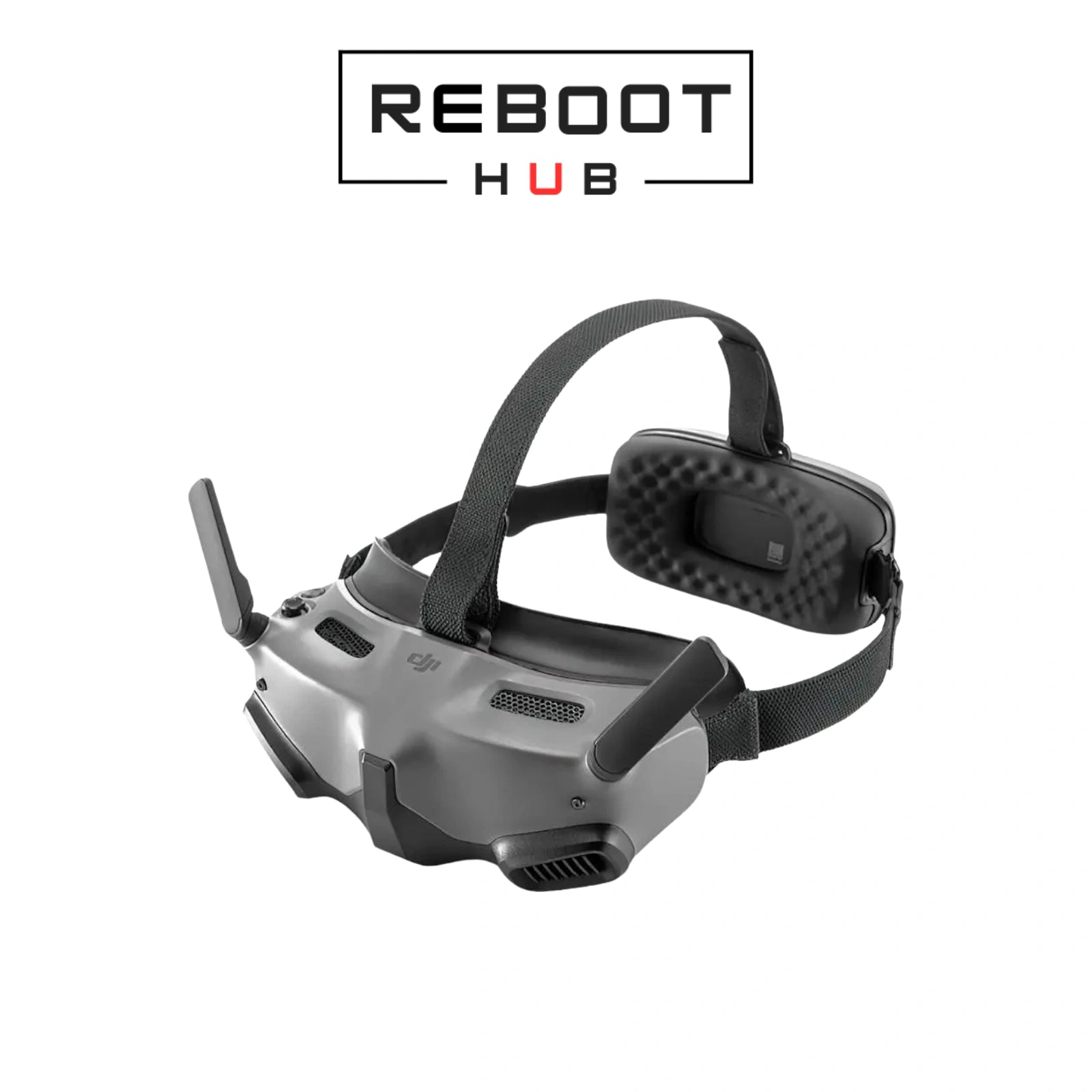
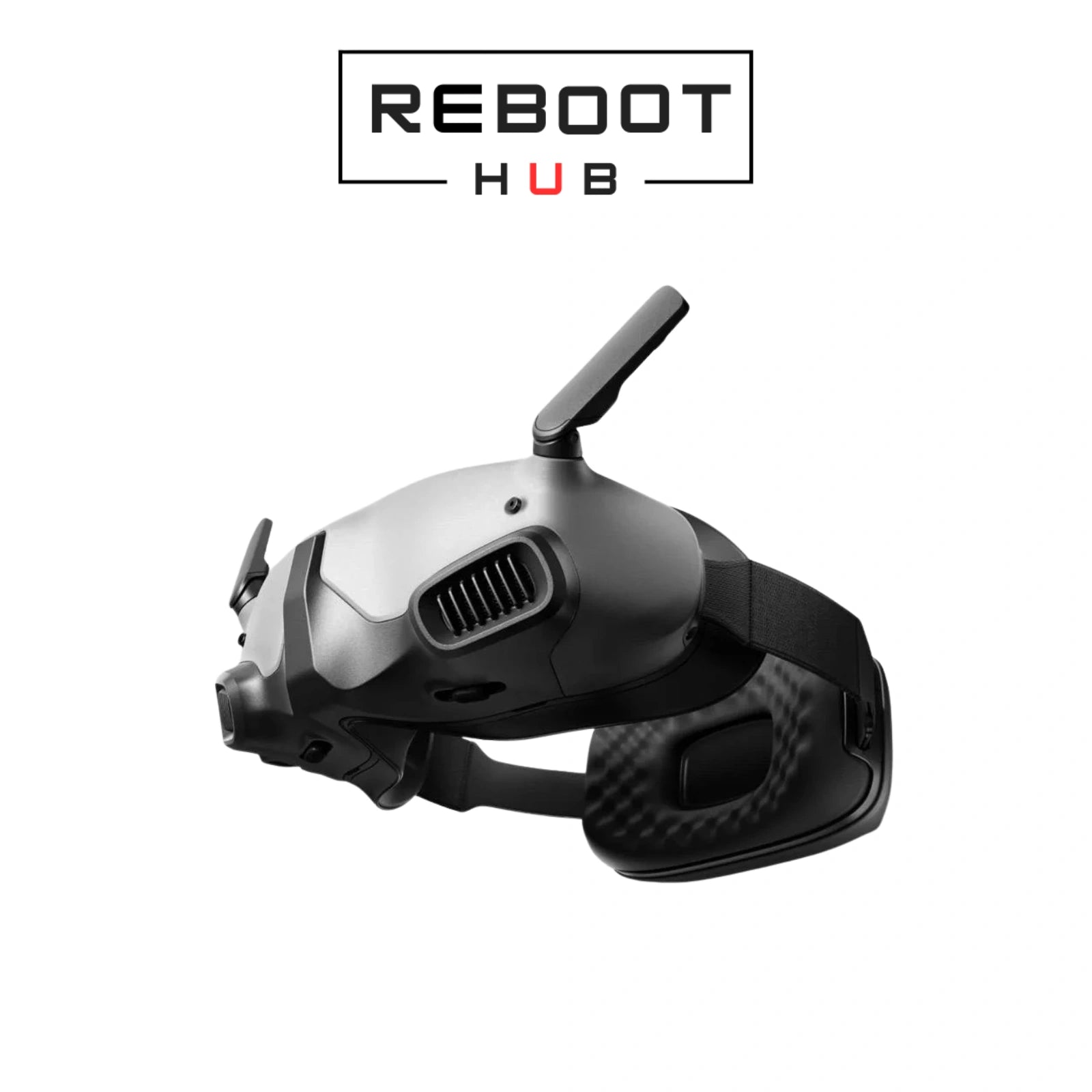
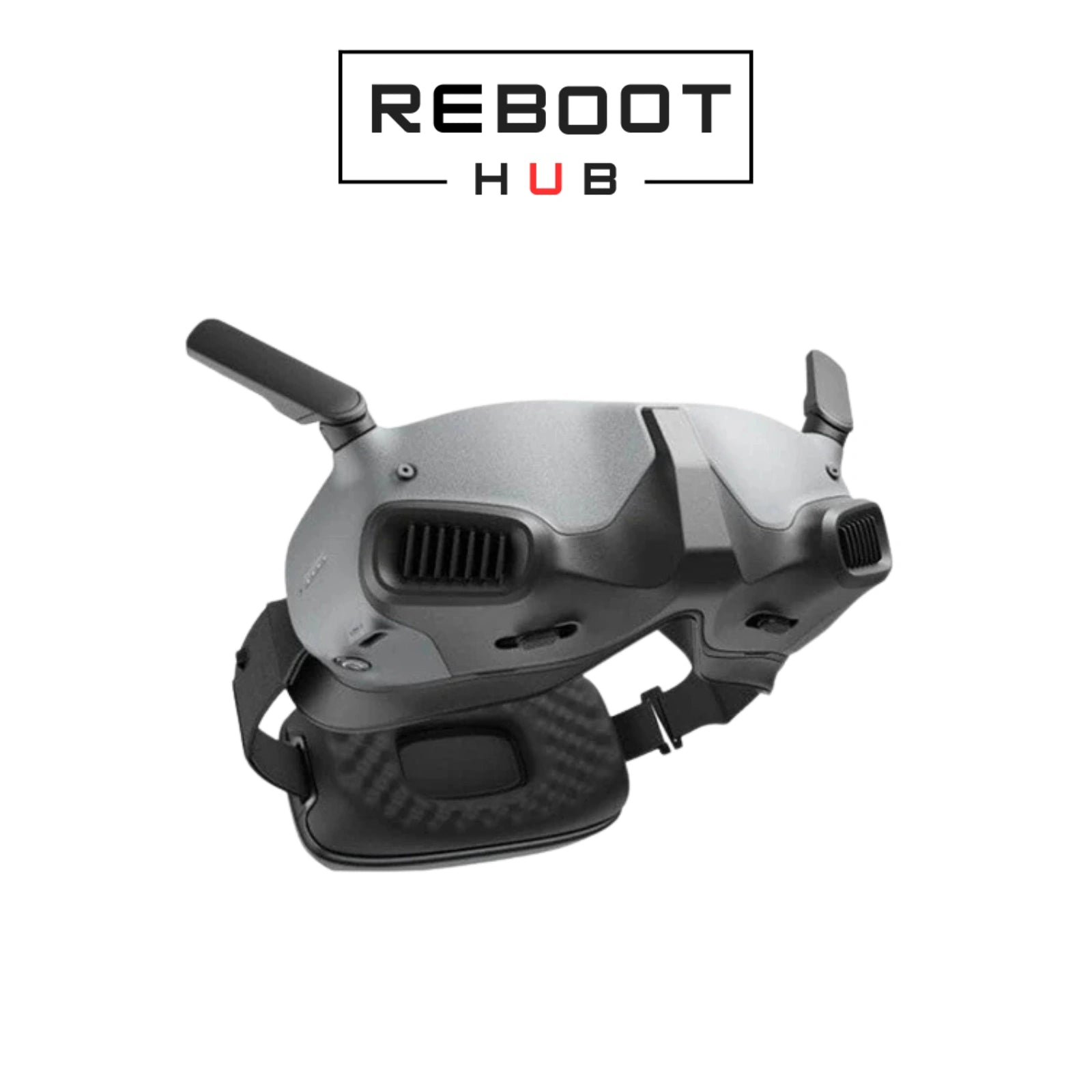
Before dispatch, Reboot Hub checks the selected DJI Goggles Integra configuration for display and optics, lenses, face cushion and headband, ports, controls, controller or motion-control pairing where included, visible condition, and listed kit contents. The selected variant on this page is the source of truth for grade, package contents and included equipment.
DJI Goggles Integra compatibility depends on aircraft model, goggles generation, controller type, DJI transmission generation, firmware, headband or battery setup, and included cables. Confirm your drone and controller model before purchase.
Immersive FPV goggles for low-latency drone video.
The selected variant shown above is the package reference. The selected variant is the source of truth for included device, controller, battery, charger, case and accessory contents. Reboot Hub confirms the exact package by email before dispatch.
DJI Goggles Integra - Pre-owned · PRODUCT KNOWLEDGE
DJI Goggles Integra package dual 1080p micro-OLED displays and an integrated headband battery into a compact DJI FPV headset. They use interchangeable corrective lenses rather than Goggles 2-style built-in diopter adjustment.
Displays
Dual 1080p micro-OLEDThe headset provides a high-resolution view for supported DJI digital links.Refresh rate
Up to 100 HzAvailable mode depends on aircraft and transmission settings.Optics
56–72 mm IPD · corrective lensesIncludes lens options from -8.0 D to +2.0 D; there is no built-in diopter dial.Field of view
44° per screenFit, foam and lens choice affect perceived comfort and clarity.Power / recording
Integrated battery · approx. 2 hours · 1080p recordingConfirm cable and microSD inclusion from the listing.Reboot Hub checks
Displays · lenses · controls · battery · pairing · feedThe selected headset is reviewed for visible display faults and compatible linked operation.INTERNATIONALE KOPERSCHECK
Controleer voordat u bestelt de modelversie, de vereisten voor de bestemmingsradio, de activering en de lokale vluchtregels.
Lees de DJI regiocompatibiliteitsgidsPRODUCTCOMPATIBILITEIT
| Artikel | Status | Wat u moet weten |
|---|---|---|
| DJI Avata | Compatible | Use DJI RC Motion 2, DJI Motion Controller or DJI FPV Remote Controller 2 as documented. |
| DJI Avata 2 | Compatible family | Use Goggles Integra with RC Motion 2 or DJI FPV Remote Controller 2, not third-generation controls. |
| Mavic 3 Series · Mini 3 Pro · Mini 4 Pro · Air 3 | Supported with conditions | DJI documents camera-drone use with RC Motion 2 and current firmware; some intelligent and camera functions are limited. |
| DJI FPV · O3 Air Unit | Supported path | Confirm the exact remote controller and firmware combination before purchase. |
GESELECTEERD PAKKET = BRON VAN WAARHEID
The selected variant, its photographs and Reboot Hub written confirmation determine the exact included pieces.
De geselecteerde variant, de afbeeldingen ervan en het Reboot Hub-inspectierecord bepalen de exacte meegeleverde onderdelen.
Check both displays, lenses, face cushion, headband, antennas, ports and controls before use.
Charge DJI Goggles Integra with a compatible power source and confirm normal battery and indicator behavior.
Update the goggles, aircraft and controller or motion controller to mutually compatible firmware.
Confirm video, controls, head tracking where supported and a stable link in a safe stationary setup before flying.
Clean the lenses safely, adjust IPD and diopter where provided, then confirm the face cushion and headset position.
Confirm aircraft-generation compatibility, align firmware across every device and repeat the official linking sequence at close range.
Check antennas, cable or wireless setup, local interference, firmware and the aircraft video-transmission mode.
Try a documented compatible cable and charger, inspect the USB-C port and allow the unit to cool before retesting.
GEDOCUMENTEERD PRODUCTBEWIJS
Official DJI downloads and current documentation for DJI Goggles Integra.
Official PDF referenceOpen de officiële pdf V1.4Official DJI downloads and current documentation for DJI Goggles Integra.
Official PDF referenceOpen de officiële pdf V1.2Official operating, setup, compatibility and care reference for DJI Goggles Integra.
Official PDF referenceOpen de officiële pdfPRODUCTVRAGEN
Een echt team achter de aanbieding
Reboot Hub ondersteunt kopers over de hele wereld met geïnspecteerde tweedehands-apparatuur, originele OEM-pulled-onderdelen, modelspecifieke compatibiliteitscontroles, zorgvuldige inkoop en door reparatie ondersteunde after-sales ondersteuning.
Onze servicedesk geeft internationale kopers een echt team waarmee ze contact kunnen opnemen vóór verzending, en niet een anonieme vermelding op de marktplaats.
Reboot Hub Service Desk - Shenzhen
EXACTE ONDERDELEN EN UITRUSTING PASSEN
Voor onderdelen, controllers, camera's, cardanische ophangingen en accessoires controleert Reboot Hub het exacte artikel, de identiteit van het onderdeel, de zichtbare staat en de bekende compatibiliteit aan de hand van de informatie die beschikbaar is voor de bestelling. Vraag ons om vóór betaling de pasvorm te verifiëren als een onderdeel model- of revisiespecifiek is.
GIDSEN, ONDERSTEUNING & LEREN

Continue from the purchase decision into one organized model reference covering compatibility, setup, parts context, common failure points and supporting DJI documents.
Lees de handleiding
Use a practical aircraft, battery, propeller, controller, Home Point, and environment check before deciding to launch.
Lees de handleiding
Check the battery, charger, cable, temperature, and indicator behavior before treating a charging problem as a failed battery.
Lees de handleiding