


正確な状態を記載
製品ページは、状態、目に見える詳細、付属品、およびモデル固有の互換性に関する注意に関する真実の情報源です。
コンディションガイドさらに[金額]以上お支払いいただくと送料無料になります
受取状況を読み込めませんでした
チェックアウト後、Reboot Hub は正確な注文を確認し、実際の商品をリストと照合し、該当する場合は証拠を文書化し、梱包ビデオを記録し、追跡を共有します。 【2】ご注文と納品のタイミング
Reboot Hub を選ぶ理由
中古 の国際的な購入を難しくする質問を減らします。商品が何であるか、外観、何が含まれているか、何をチェックしたか、誰が梱包したかなどです。
製品ページは、状態、目に見える詳細、付属品、およびモデル固有の互換性に関する注意に関する真実の情報源です。
コンディションガイド対象となる 中古 製品には、製品ページに示されている保証条件が含まれていますが、除外事項は明確に記載されています。
ポリシーの表示当社の技術的背景は、発送前の実際の検査、修理リスクの検討、互換性チェックをサポートします。
当社の認証私たちはこれらの注文をドロップシッピングしません。私たち自身のチームが商品をレビューし、保護を準備し、梱包し、発送を記録します。
当社の基準梱包証明
チェックアウト後、Reboot Hub が電子メールで正確なドローンを確認します。該当する場合、当社はエンジニアの診断メモ、実際の製品の写真、機能またはテスト飛行のビデオ、梱包ビデオ、出荷追跡を提供し、リスト、梱包、およびサポート会話が同じユニットについて説明しているようにします。
製品の証拠
注文の背後にある正確な単位、記録された状態、証拠と保護を理解します。
検査報告書内の写真は、再利用サンプル品ではなく、ご注文に応じて準備された実際のユニットを示しています。 【3】状態・点検記録
状態グレードと検査記録は、承認され発送の準備ができているものと同じユニットを示しています。
供給されるユニットについて、利用可能な機能のチェック、診断結果、注意事項、およびサポートビデオが公開されています。
梱包記録には、承認された商品が発送前にこの注文に対してどのように保護され、緩衝され、密封されているかが文書化されています。
発送追跡は発送後に共有されるため、配達記録は確認された注文に関連付けられたままになります。
正確な製品情報
選択した製品ページ、バリエーション、および書面による確認は、状態、互換性、付属品、および保証条件についての信頼できる情報源となります。
Before dispatch, Reboot Hub checks the selected DJI Mavic 3 Classic configuration for flight controls, camera and gimbal behaviour, obstacle-sensing surfaces where applicable, controller pairing, battery behaviour where included, visible condition, and listed kit contents. The selected variant on this page is the source of truth for grade, package contents and included equipment.
Mavic 3-series drones use model-specific batteries, controllers, cameras, and accessories. Common controller paths vary by bundle, including DJI RC-N1, DJI RC, or DJI RC Pro on supported versions. Confirm the selected variant before ordering. Reboot Hub can confirm the selected DJI Mavic 3 Classic bundle before shipment.
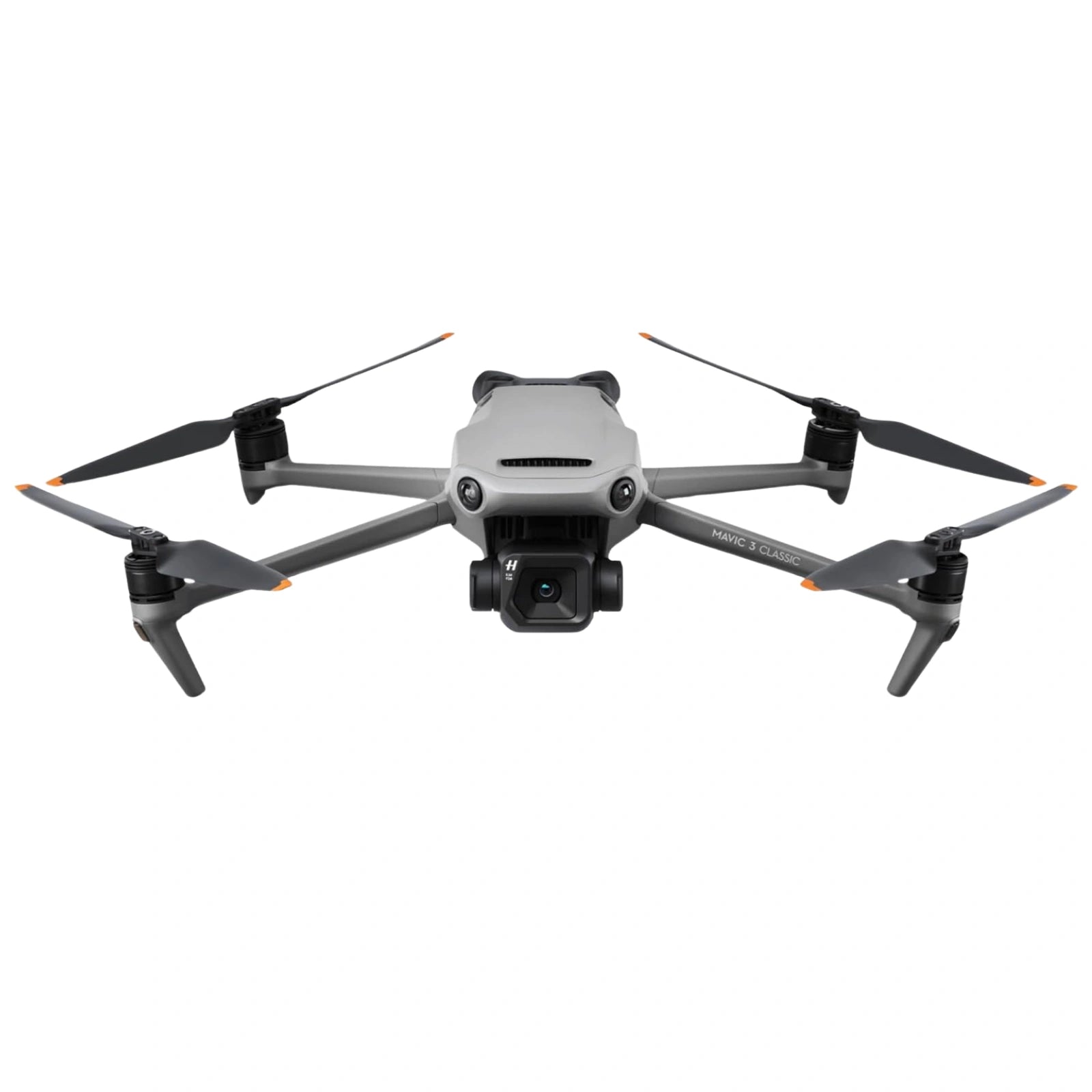
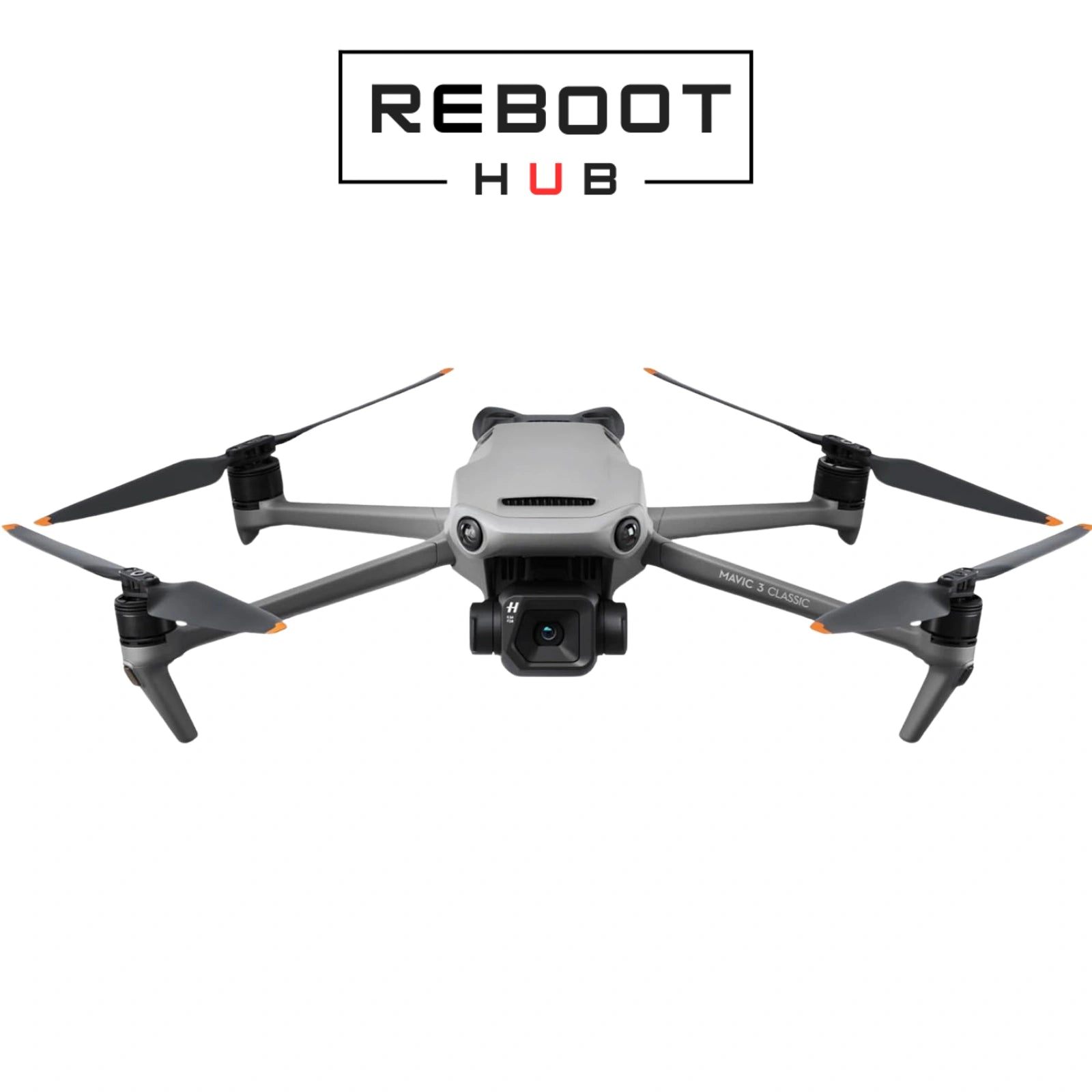
Professional drone with Hasselblad camera for aerial photography.
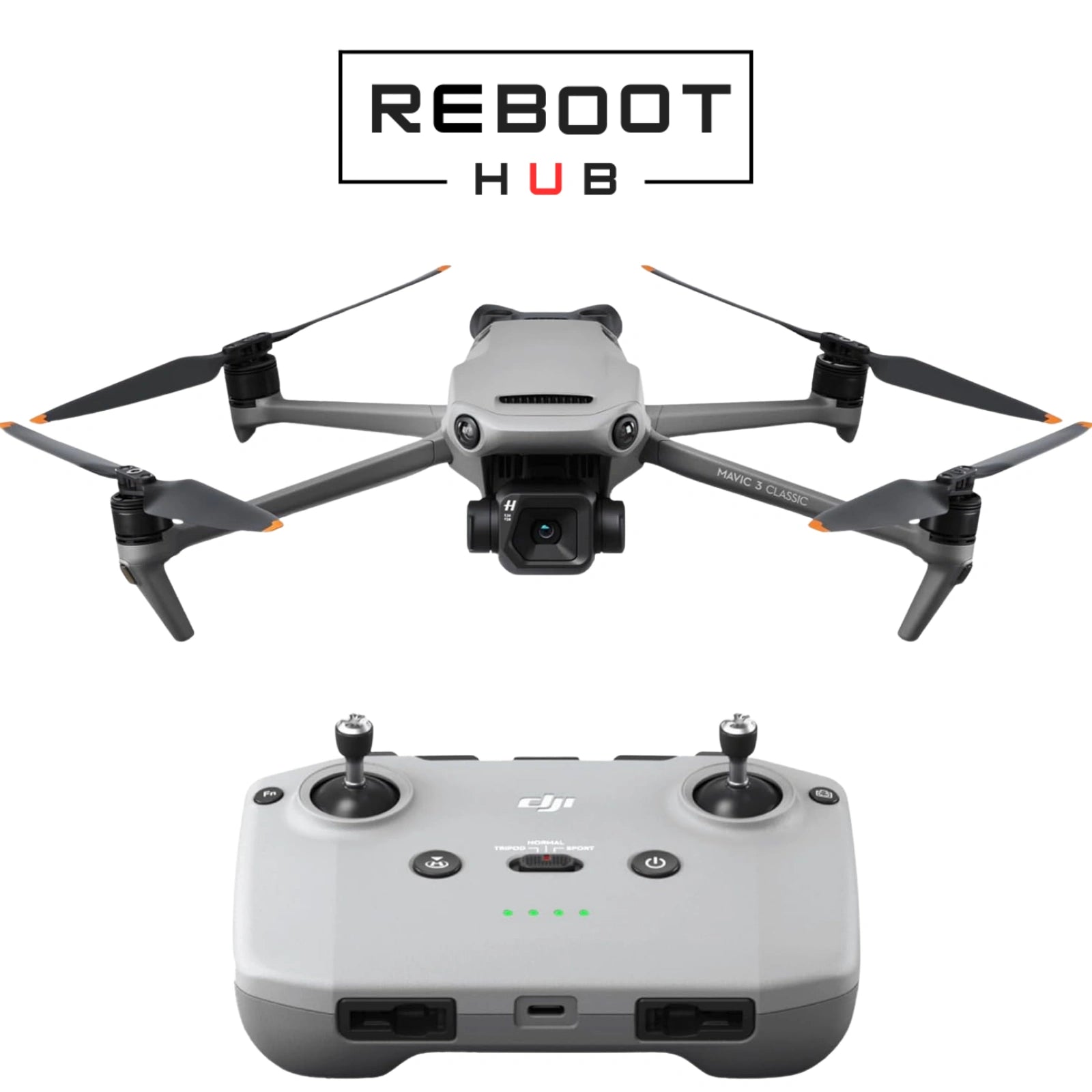
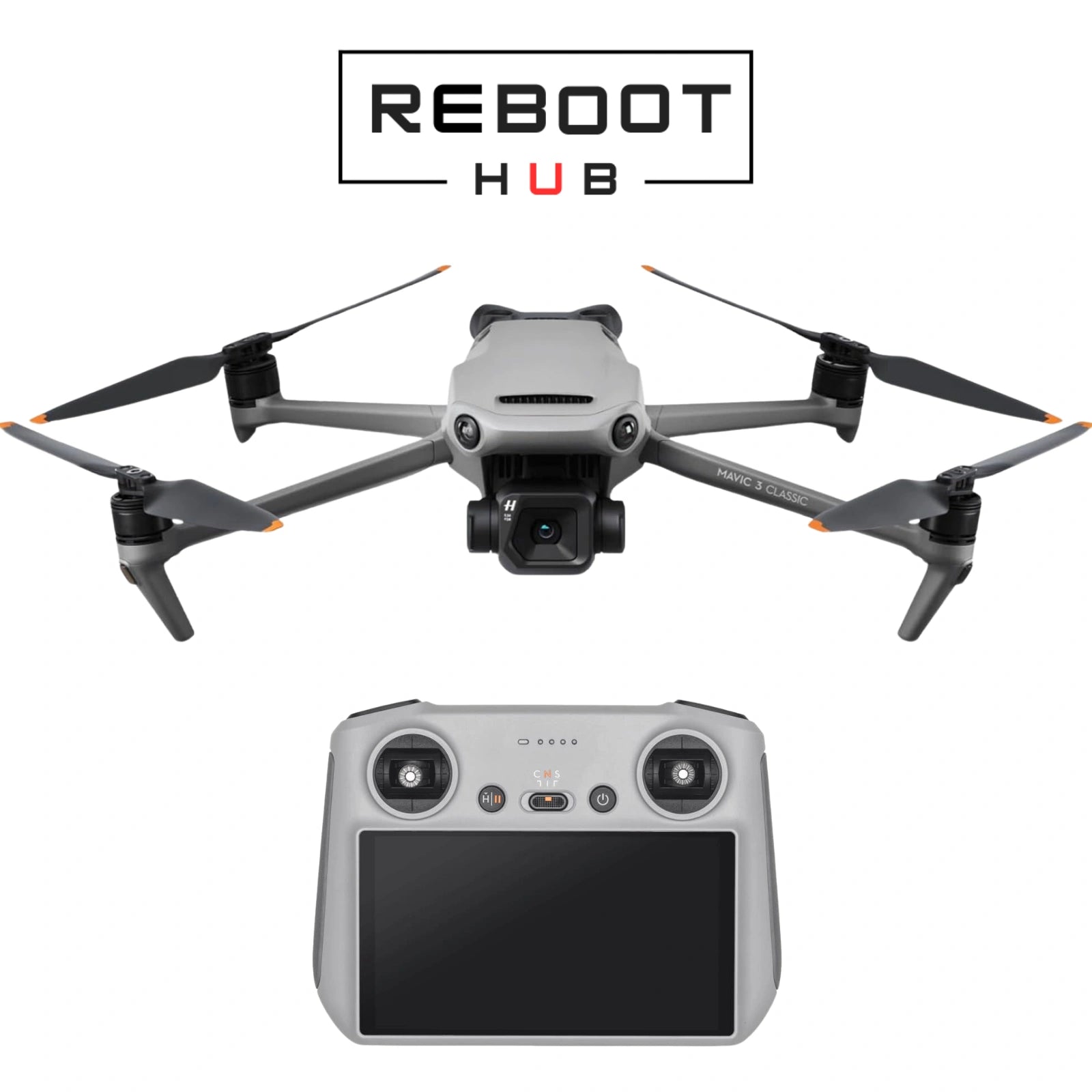
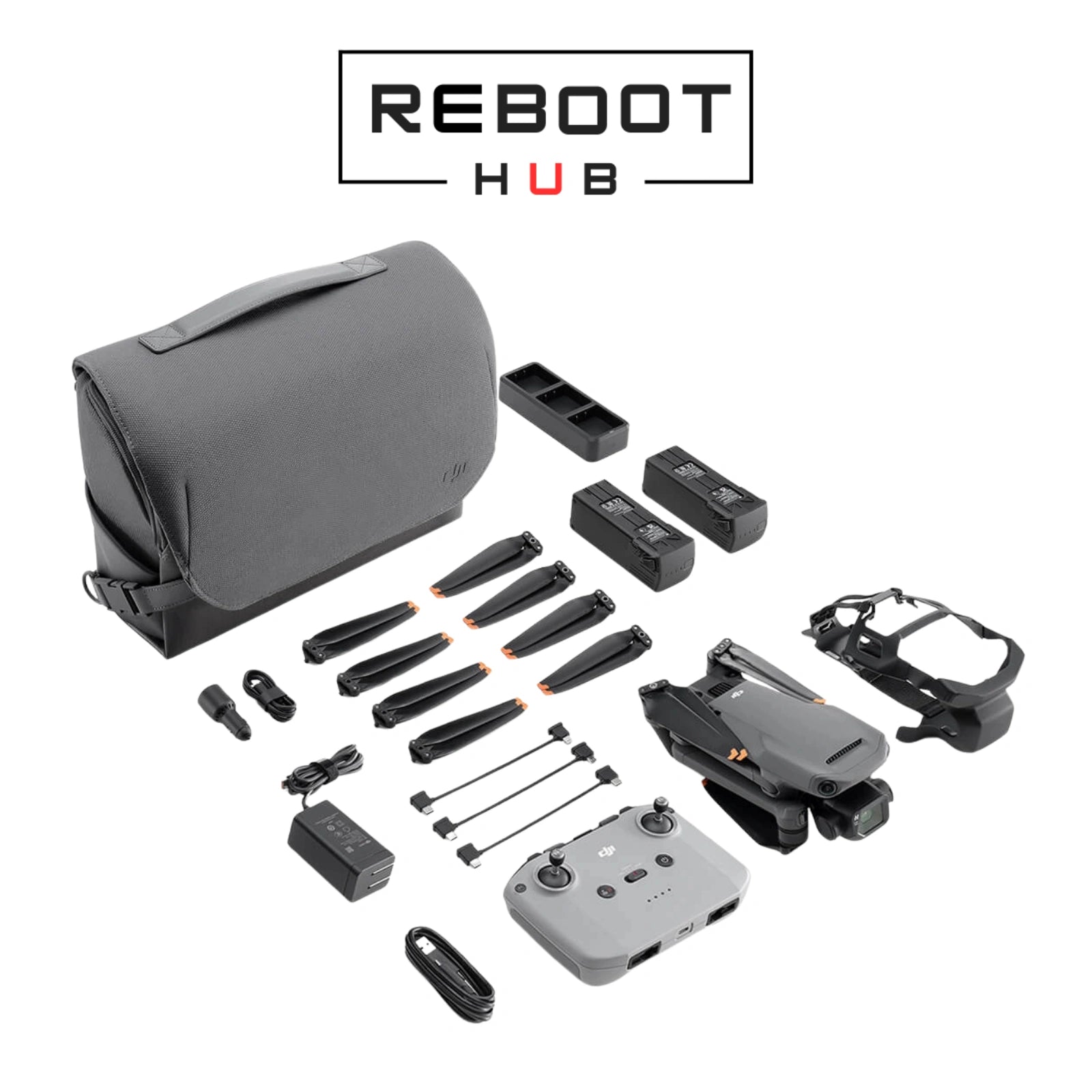
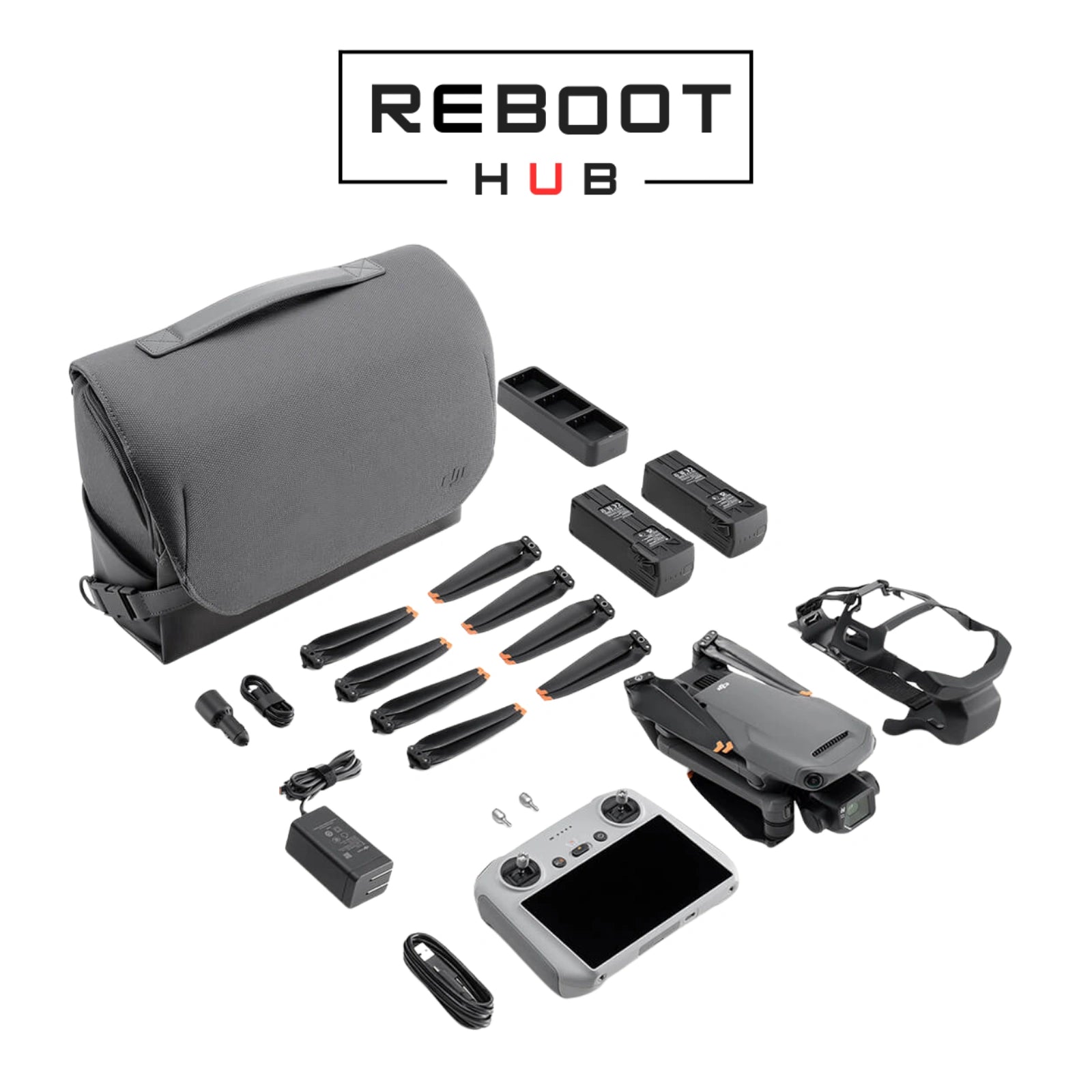
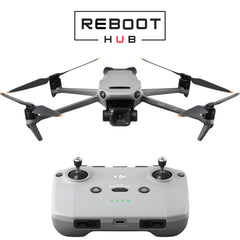
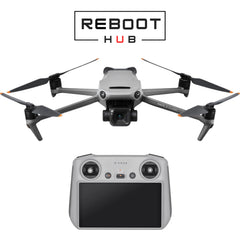
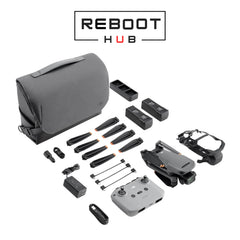
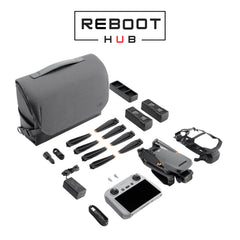
Current package paths shown above include Drone Only (No Battery), Drone with RC-N1, Drone with RC, Fly More Combo (RC-N1), Fly More Combo (RC). The selected variant is the source of truth for included device, controller, battery, charger, case and accessory contents. Reboot Hub confirms the exact package by email before dispatch.
Start with the aircraft capability, then choose one current package path and cosmetic condition separately.
Cosmetic condition is selected separately. Confirm the current purchase selector and written order details before checkout.
Aircraft-only selector path. The current selector explicitly states “No Battery”; exact included pieces follow the selected listing and written confirmation.
Phone-connected controller path; exact included pieces follow the selected listing and written confirmation.
Built-in-screen controller path; exact included pieces follow the selected listing and written confirmation.
Current selector label only; it does not itemize the kit. Exact included pieces follow the selected listing and written confirmation.
Current selector label only; it does not itemize the kit. Exact included pieces follow the selected listing and written confirmation.
| Model | Decision context | Official source |
|---|---|---|
| DJI Mavic 3 Pro | Three-camera Mavic 3 family option with 4/3 Hasselblad, 70mm medium tele and 166mm tele cameras. | Official specifications |
| DJI Air 3S | Dual-camera travel alternative with a 1-inch 50MP wide camera and 70mm medium tele camera. | Official specifications |
| DJI Mini 4 Pro | Under-249g travel alternative with a 1/1.3-inch 48MP camera. | Official specifications |
DJI Mavic 3 Classic - 中古 · 製品知識
DJI Mavic 3 Classic は、4/3 CMOS Hasselblad メイン カメラと Mavic 3 フライト プラットフォームを維持し、望遠カメラを省略しています。このため、チェックアウト前にコントローラー、バッテリー、カメラのアクセサリを識別することが重要になります。
海外バイヤーチェック
注文する前に、モデルのバージョン、目的地の無線要件、アクティベーション、および現地の飛行ルールを確認してください。
DJI 地域互換性ガイドを読むセットアップ前に、DJI Mavic 3 Classic バリアント、コントローラー、バッテリー、および付属品をリストの写真と照合してください。
充電または電源を入れる前に、機体、プロペラ、バッテリー、充電器を確認してください。
この航空機用に文書化されている DJI アプリケーションを使用し、航空機、コントローラー、バッテリーのファームウェアを一緒に更新します。
離陸前に、コントロール、カメラとジンバルの応答、GNSS、ホームポイント、バッテリーの状態、および現地の動作要件を確認します。
文書化された互換性のある充電器を使用し、バッテリーと接点を検査し、再テストする前に休止状態のバッテリーが復帰するまで待ってください。
正確なコントローラーの世代を確認し、両方のデバイスを更新してから、正しい DJI アプリでリンク ワークフローを使用します。
離陸前に適切な GNSS を待ち、ホーム ポイントを確認し、RTH 高度と周囲の環境を確認します。
機体、コントローラー、アプリを再起動し、電源とインターネットアクセスを維持してから、公式アップデートプロセスを再試行します。
文書化された製品証拠
Complete aircraft, camera, flight, safety, maintenance and troubleshooting reference.
v1.5Open full manual DJI RC SETUPStartup and activation path for the built-in-screen DJI RC package.
v1.0Open DJI RC setup RC-N1 SETUPStartup and activation path for the phone-connected DJI RC-N1 package.
v1.0Open RC-N1 setup DJI RC SAFETYOfficial aircraft, battery and regulatory safety guidance for the DJI RC package.
v1.0Open DJI RC safety guide RC-N1 SAFETYOfficial aircraft, battery and regulatory safety guidance for the DJI RC-N1 package.
v1.0Open RC-N1 safety guide OFFICIAL DOCUMENT HUBDJI download center for current Mavic 3 Classic documents and release material.
Open official document hub製品に関するご質問
購入者の証明と所有権
Reboot Hub は、リストに記載されている一般向け航空機、状態、付属のコントローラーおよび付属品を発送前にチェックします。検査ルート、書面による保証条件、梱包、国際的な使用に関するガイダンスを 1 か所で確認します。
ガイド、サポート、学習

購入の決定から、互換性、セットアップ、部品のコンテキスト、一般的な障害点、およびサポートされる DJI ドキュメントを網羅する 1 つの整理されたモデル リファレンスにまとめます。
ガイドを読む
打ち上げを決定する前に、実際の航空機、バッテリー、プロペラ、コントローラー、ホームポイント、および環境のチェックを使用します。
ガイドを読む
