


Reboot Hub collection
Genuine OEM-Pulled DJI Air Parts
346 products available
Browse OEM-pulled DJI Air repair parts by exact component and position. Compare the listed model, connectors, included pieces and photographs before ordering.
-
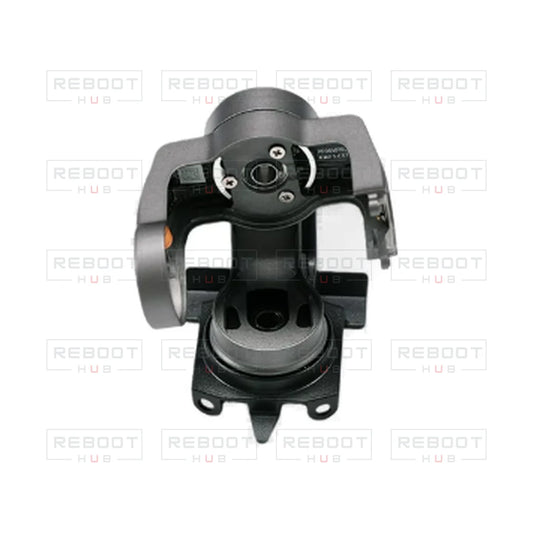
DJI Air 2S Gimbal Arm Assembly without Pitch Motor or Camera Core - OEM-pulled
Regular price $93.56Regular price $93.56 Sale priceUnit price per -
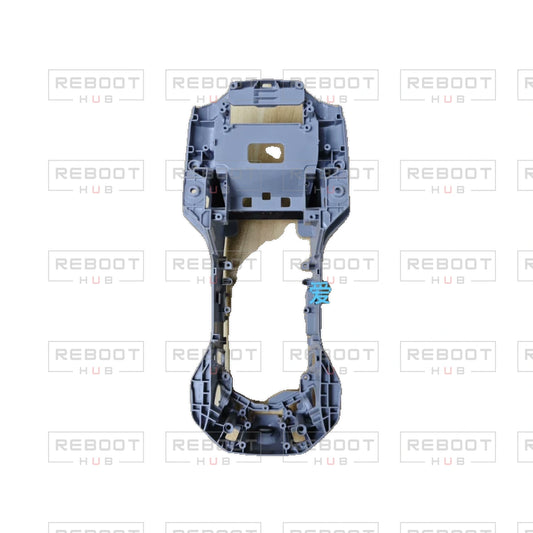
DJI Air 2S Aircraft Middle Frame without Filter or Dust Plug - OEM-pulled
Regular price $37.16Regular price $37.16 Sale priceUnit price per -
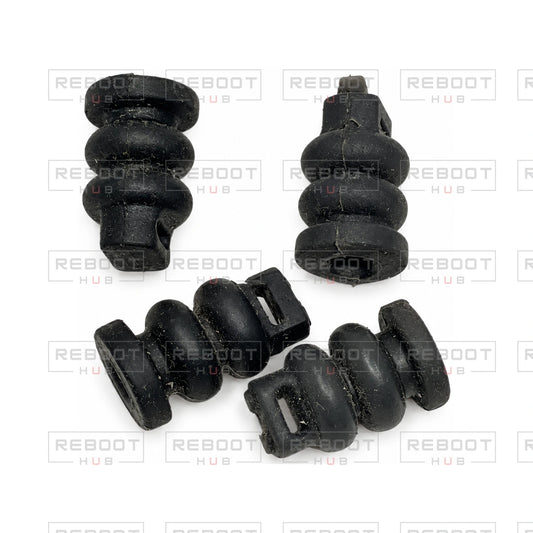
DJI Air 2S Gimbal Rubber Damper - OEM-pulled
Regular price $8.15Regular price $8.15 Sale priceUnit price per -
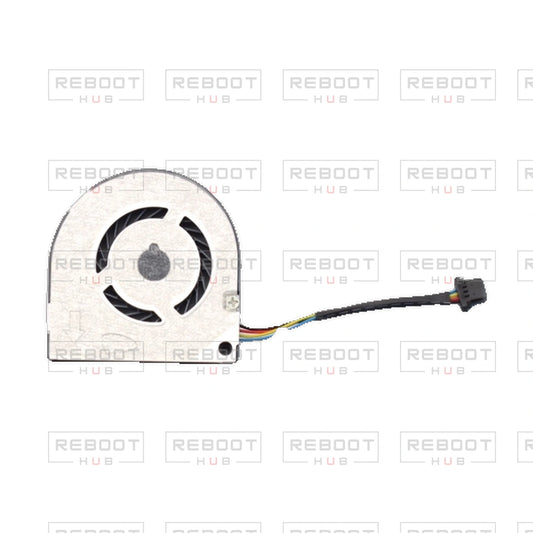
DJI Air 2S Cooling Fan - OEM-pulled
Regular price $64.57Regular price $64.57 Sale priceUnit price per -
DJI Air 2S Complete Gimbal Arm Assembly Module without Camera Core - OEM-pulled
Regular price $511.58Regular price $511.58 Sale priceUnit price per -
DJI Air 2S Gimbal Lens Frame with Pitch Motor - OEM-pulled
Regular price $76.87Regular price $76.87 Sale priceUnit price per -
DJI Mavic Air Cooling Fan - OEM-pulled
Regular price $47.64Regular price $47.64 Sale priceUnit price per -
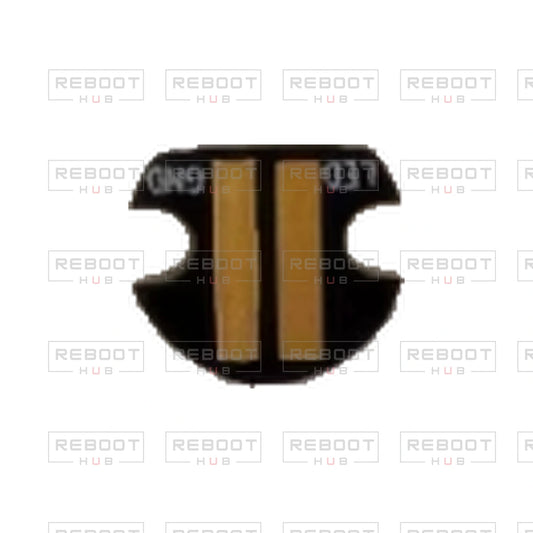
DJI Air 2S Lower Cover Auxiliary Light - OEM-pulled
Regular price $21.06Regular price $21.06 Sale priceUnit price per -
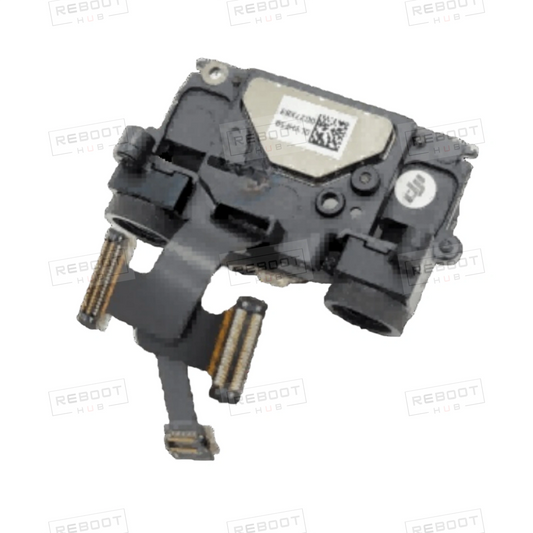
DJI Mavic Air Backward and Downward Vision Systems - OEM-pulled
Regular price $45.00Regular price $45.00 Sale priceUnit price per -
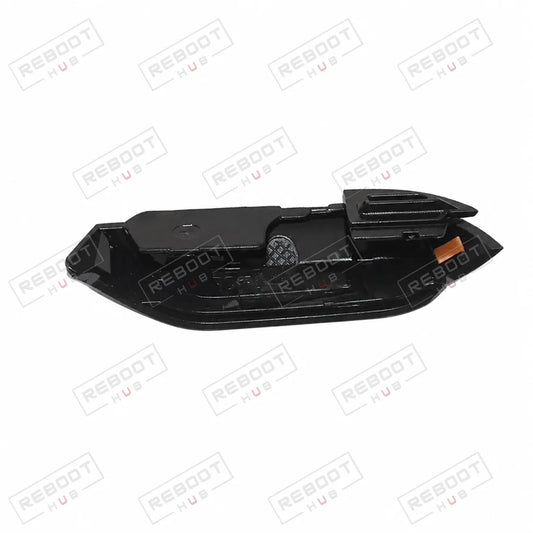
DJI Mavic Air Front Shaft Cover (Right) - OEM-pulled
Regular price $13.04Regular price $13.04 Sale priceUnit price per -
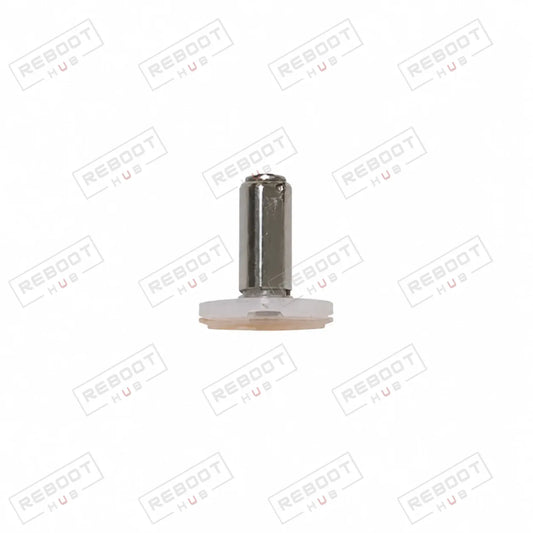
DJI Mavic Air Front Arm Axis (White) - OEM-pulled
Regular price $12.23Regular price $12.23 Sale priceUnit price per -
DJI Mavic Air Front Shaft Cover (Left) - OEM-pulled
Regular price $13.04Regular price $13.04 Sale priceUnit price per










Shop DJI Air parts by model
DJI Air 3S parts · DJI Air 3 parts · DJI Air 2S parts · DJI Mavic Air 2 parts · DJI Mavic Air parts
This directory lists current OEM-pulled parts for the DJI Air line. Gimbal and camera parts are the largest group, followed by arms and arm axes, shells and covers, circuit boards such as motherboards, ESC boards and vision modules, and flexible flat cables. Use the model and part-type filters to narrow the list.
Choose the aircraft first
- Confirm the exact model printed on the aircraft: Mavic Air, Mavic Air 2, Air 2S, Air 3 or Air 3S are different aircraft.
- Open that model's parts page, then pick the component and keep any left or right and front or rear wording from the title.
- Compare connectors, mounting points and markings with the product photos before ordering.
Listings that name two models, such as Air 3/3S, state that shared fit in their own title; other parts are model-specific. Final selection belongs to the exact product title and its photographs.
Air family: identify the generation before the assembly
Original Mavic Air, Mavic Air 2, Air 2S, Air 3 and Air 3S have separate repair catalogs. The family page is a starting point for selecting the aircraft; it should not turn a similar gimbal, arm or vision-part name into a compatibility claim across generations.
| Listed components | How to choose between them |
|---|---|
|
DJI Mavic Air Gimbal Camera Assembly DJI Mavic Air 2 Complete Gimbal Arm Assembly with Flexible Flat Cable and Camera Core |
Original Mavic Air gimbal camera assembly and the Air 2 assembly explicitly named with cable and camera core belong to different aircraft and package descriptions. Choose the generation first. |
| DJI Air 2S Complete Gimbal Arm Assembly Module without Camera Core | The Air 2S arm assembly expressly excludes the camera core. Do not carry the core inclusion from the Air 2 product across to this Air 2S item. |
| DJI Air 3 Front Arm Shell with Faulty Motor Right | The Air 3 front-right arm shell names a faulty motor. A donor-shell listing should not be compared as if it were a working complete arm. |
| DJI Air 3S Vision Module Bracket Only | The Air 3S vision-module bracket is bracket only. A support piece is not the electronic sensing module. |
Use the model collection to narrow the grid
The model links above lead to the generation-specific selections. Once inside the matching catalog, compare camera core versus support arm, sensor versus cover and module versus connecting cable. Left/right and front/rear distinctions still apply after the correct generation has been chosen.
Look for explicit shared wording on small parts
Selected products may name more than one Air model, while most cameras and boards are model-specific listings. Apply a shared name only to the listed component. An Air 3/3S axis cover, for example, does not establish that their camera assemblies or motherboards interchange.
Air Series model-selection questions
Why can two “complete” gimbal listings have different contents?
The full product name defines the scope. The Air 2 example names cable and camera core, while the Air 2S example explicitly excludes the core. Compare the exact listing rather than the word complete.
Should I select an Air part from appearance before choosing the generation?
Start with the exact aircraft, then compare the component and included pieces. Similar Air family names or housing profiles are not enough to establish fit.
Explore the aircraft and device Wiki
Choose a model below for its Drone Wiki information and repair reference. Use the exact model and configuration on each product listing to establish part compatibility.