












Complete FPV headset inventory
Need a whole DJI Goggles headset?
Compare current complete headset listings before buying several individual parts for an unconfirmed fault.
Shop current FPV gogglesSpend $99 more for free shipping

Reboot Hub collection
84 products available
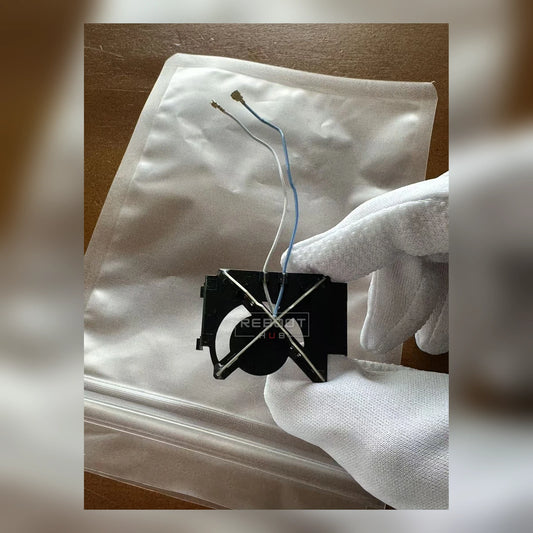
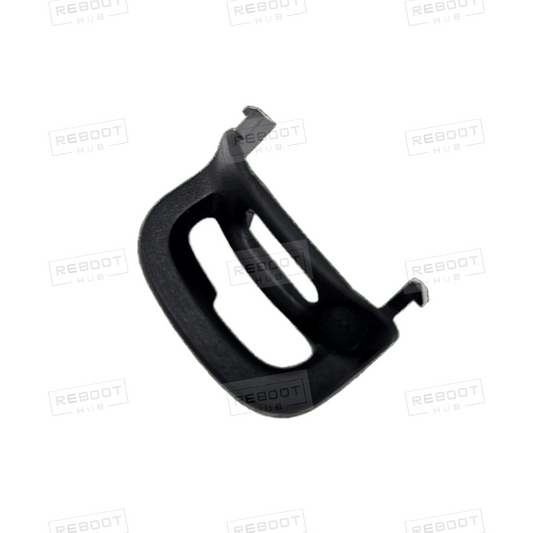
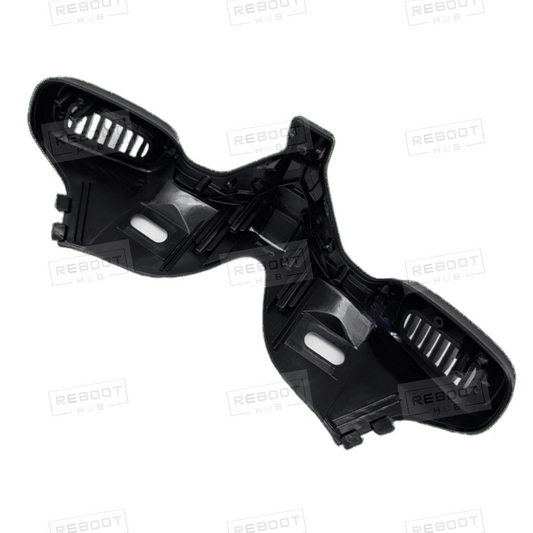
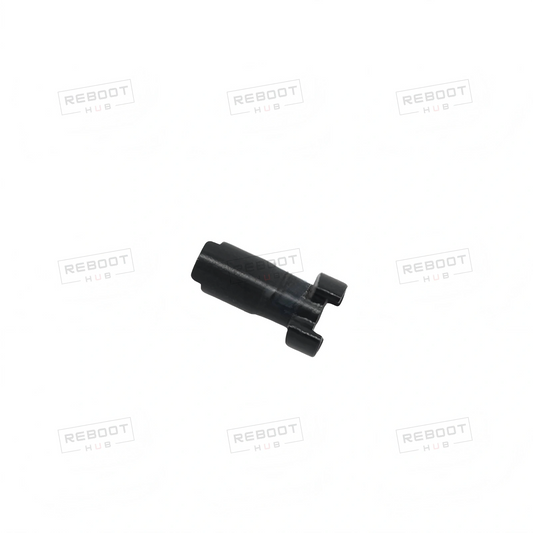
Choose DJI Goggles 2 accessories and OEM-pulled headset parts by exact model and component, with options for DJI Goggles Integra, DJI FPV Goggles V2 and DJI Goggles 3. Reboot Hub recovers usable original components from donor units, checks them and states their condition.
| Headset | Part to consider | Choose this when |
|---|---|---|
| DJI Goggles 2 | DJI Goggles 2 Goggles Foam Padding - OEM-pulled | Replacing the headset's foam padding rather than an internal board or adjustment component. |
| DJI Goggles Integra | DJI Goggles Integra Battery Strap - OEM-pulled | The confirmed requirement is the Integra battery-strap component rather than a shell section. |
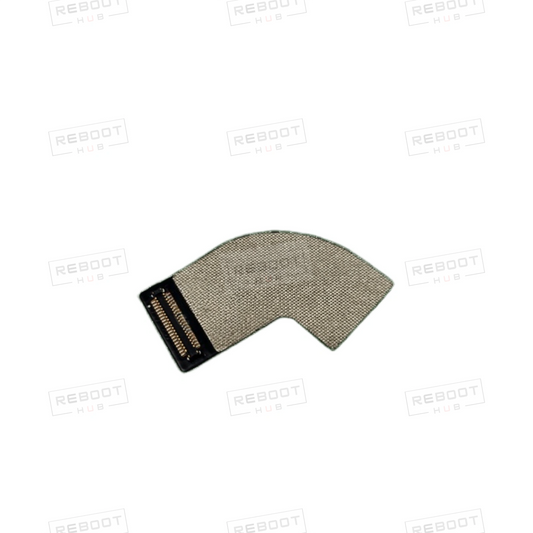
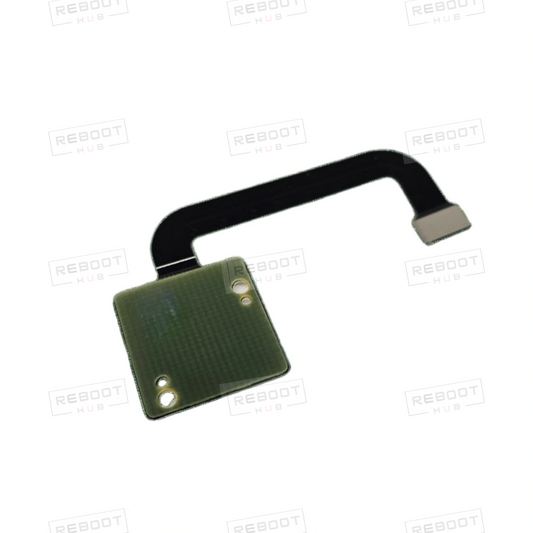
| DJI FPV Goggles V2 | DJI FPV Goggles V2 Display to Core Board Flexible Flat Cable - OEM-pulled | The confirmed repair identifies this connection cable rather than the separate button board. |
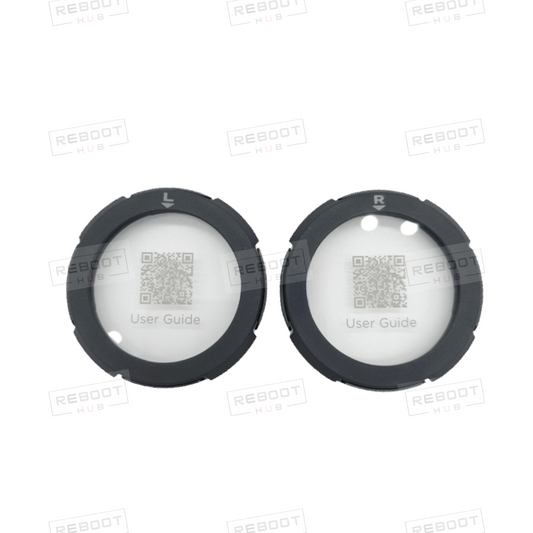
| DJI Goggles 2 / DJI Goggles 3 | DJI Goggles 2/3 Lens Protector - OEM-pulled | The requirement is a lens-protection accessory for one of the explicitly named models rather than replacement optics. |
Shared-model names apply to the named product only; confirm any unspecified supplied contents before ordering.
DJI Goggles 2 options also include eyeglass frames, external antennas, boards, flex cables, shells and adjustment components. DJI Goggles Integra options include a battery strap, middle frame, lower shell, and front and rear shell modules. DJI FPV Goggles V2 options include a button board. DJI Goggles 3 examples include forehead rubber padding. The DJI Goggles 2/Integra Power Cable is another product whose name explicitly identifies shared model scope.
For identification, the official model code is RCDS18 for DJI Goggles 2 and RCDS13 for DJI Goggles Integra. Use the code as an identity aid; it does not establish that components interchange.
The DJI Goggles 2 Core Board Assembly and I/O Port Board Assembly are separate replacement assemblies. Match the confirmed repair scope to the named assembly; a connecting flex cable is a separate component, and neither board title establishes a complete headset.
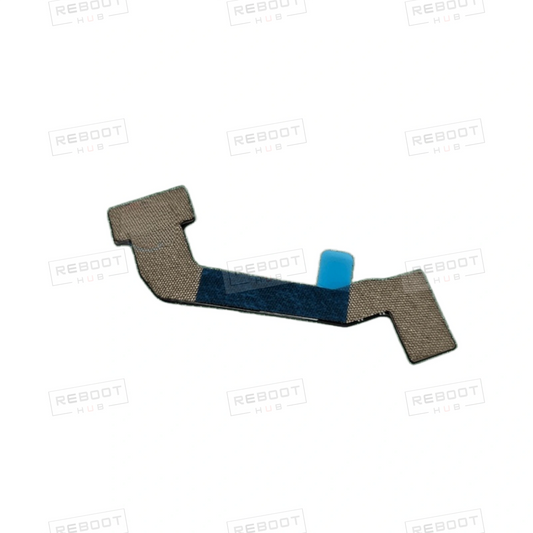
Match cables by their named endpoints and headset. The DJI FPV Goggles V2 Display to Core Board Flexible Flat Cable is for a different headset and connection path from the DJI Goggles 2 flexible flat cables connecting the audio board or Wi-Fi board to the core board.
For DJI Goggles 2 lens adjustment, distinguish the external dial assembly from the inner support and adjustment knob shaft. Internal antennas and lens-adjustment components are listed as left or right products; the speaker assembly offers Left, Right or Pair options. Match the side or quantity to the confirmed requirement.
The DJI Goggles 2 Inner Middle Frame Assembly explicitly says No Lenses. The Screw & Nut Set is explicitly listed as 6 Pieces, and the Middle Frame Internal Positioning Bracket as One Unit. A display, audio or connection symptom alone does not confirm a failed component; use a diagnosis path when the fault is not identified.
Reboot Hub documents a donor-unit disassembly workflow to recover usable original components, check them and offer them with their condition stated. For small parts and accessories, use listing photos to assess visible wear, condition notes for the stated condition, and model-fit information to compare component details. Photos alone do not prove electrical function or remaining life.
OEM-pulled and service replacement parts are covered for verified defects in the supplied part itself. Wrong-model ordering, incorrect matching, installation or soldering damage, modification, crash or liquid damage, misuse, and faults caused by other damaged components are excluded.
Shells, covers, cables and small plastic parts are covered only for verified pre-existing defects or a wrong item supplied. Broken clips, screw damage, installation marks and fitting damage are excluded. Installed spare parts are handled as verified warranty cases, not change-of-mind returns.
Power-system parts have a separate normal-use failure boundary. Coverage excludes normal cycle wear, expected capacity degradation, unsafe storage, incompatible chargers, swollen or damaged batteries, and misuse. Review the warranty policy for the applicable terms.
Match the exact headset name to the component’s model-fit information. DJI Goggles 2 and DJI FPV Goggles V2 are distinct models; their names do not establish shared fit.
The DJI Goggles 2/Integra Power Cable names DJI Goggles 2 and DJI Goggles Integra, and the DJI Goggles 2/3 Lens Protector names DJI Goggles 2 and DJI Goggles 3. Each shared-model name applies to that product only; it does not establish universal compatibility.
OEM-pulled DJI Goggles parts are usable original components recovered from donor units. Reboot Hub documents recovering and checking components, then stating their condition.
Use the confirmed repair scope to distinguish a board assembly from a cable with named connection endpoints. The DJI Goggles 2 Core Board Assembly and its audio-board-to-core-board cable are different components; the FPV Goggles V2 display-to-core-board cable is named for another headset and connection path. A symptom alone does not identify the failed part.
No. The product is explicitly titled DJI Goggles 2 Inner Middle Frame Assembly (No Lenses), so it does not include lenses.
The full 40-point inspection applies to activated pre-owned drones. It is not a promised test protocol for DJI Goggles spare parts; small parts and accessories may use listing photos, condition notes and model-fit information.
Reboot Hub's warranty policy covers verified defects in the supplied part itself for OEM-pulled and service replacement parts. Wrong-model orders, incorrect matching, installation or soldering damage, modification, crash or liquid damage, misuse and faults caused by other damaged components are excluded. Shells, covers, cables and small plastic parts qualify only for verified pre-existing defects or a wrong item supplied; broken clips, screw damage, installation marks and fitting damage are excluded. Installed spare parts are handled as verified warranty cases, not change-of-mind returns.
Open the component that matches your exact headset and confirmed requirement, review its fit and supplied contents, then order through its product page.
Complete headset, repair and research path
Use a complete headset when a fault is not yet isolated or several assemblies are needed. Use the repair and Wiki routes below when you first need compatibility, diagnosis or flight-comfort context.
Complete FPV headset inventory
Compare current complete headset listings before buying several individual parts for an unconfirmed fault.
Shop current FPV gogglesRepair first
Start with a structured diagnosis path before ordering. The repair guide helps you narrow down the visible symptom, while the service process shows what information helps a technician confirm the next step.
Compatibility and comfort
A newer headset can change fit, display and workflow, but it is not a guaranteed cure for FPV motion sickness. Use the comfort guide for a safer test path, then verify aircraft and firmware compatibility in the Wiki.