


列出的確切條件
產品頁面是狀況、可見細節、所含物品和特定型號相容性說明的真實來源。
條件指南消費滿 [金額] 即可免運費
無法載入取貨服務供應情況
結帳後,Reboot Hub 確認確切的訂單,根據清單檢查實際商品,在適用的情況下提供證明文件,錄製包裝影片並共享追蹤。
為什麼Reboot Hub
我們減少了導致國際 二手 購買困難的問題:商品是什麼、外觀如何、包含什麼、檢查過什麼以及由誰包裝。
產品頁面是狀況、可見細節、所含物品和特定型號相容性說明的真實來源。
條件指南符合資格的 二手 產品包含產品頁面上顯示的保固條款,並明確說明排除條款。
檢視政策我們的技術背景支援出貨前的實際檢查、維修風險審查和相容性檢查。
我們的認證我們不代出貨這些訂單。我們自己的團隊會審查該物品、準備保護、包裝並記錄出貨情況。
我們的標準包裝證明
結帳後,Reboot Hub透過電子郵件確認確切的無人機。在適用的情況下,我們提供工程師診斷說明、實際產品照片、功能或試飛影片、包裝影片和發貨跟蹤,以便列表、包裝和支援對話描述同一裝置。
產品證據
瞭解訂單背後的確切單位、記錄條件、證據和保護。
檢驗報告中的照片顯示的是為您的訂單準備的實際產品,而不是重複使用的樣品產品。
狀況等級和檢驗記錄描述了已批准並準備發貨的同一裝置。
公開了所提供設備的可用功能檢查、診斷結果、註釋和支援影片。
包裝記錄記錄了在發貨前如何為該訂單保護、緩衝和密封批准的物品。
出貨追蹤在出貨後共享,因此出貨記錄仍與已確認的訂單相關。
準確的產品訊息
所選產品頁面、型號和書面確認仍然是狀況、相容性、所含物品和保固條款的真實來源。
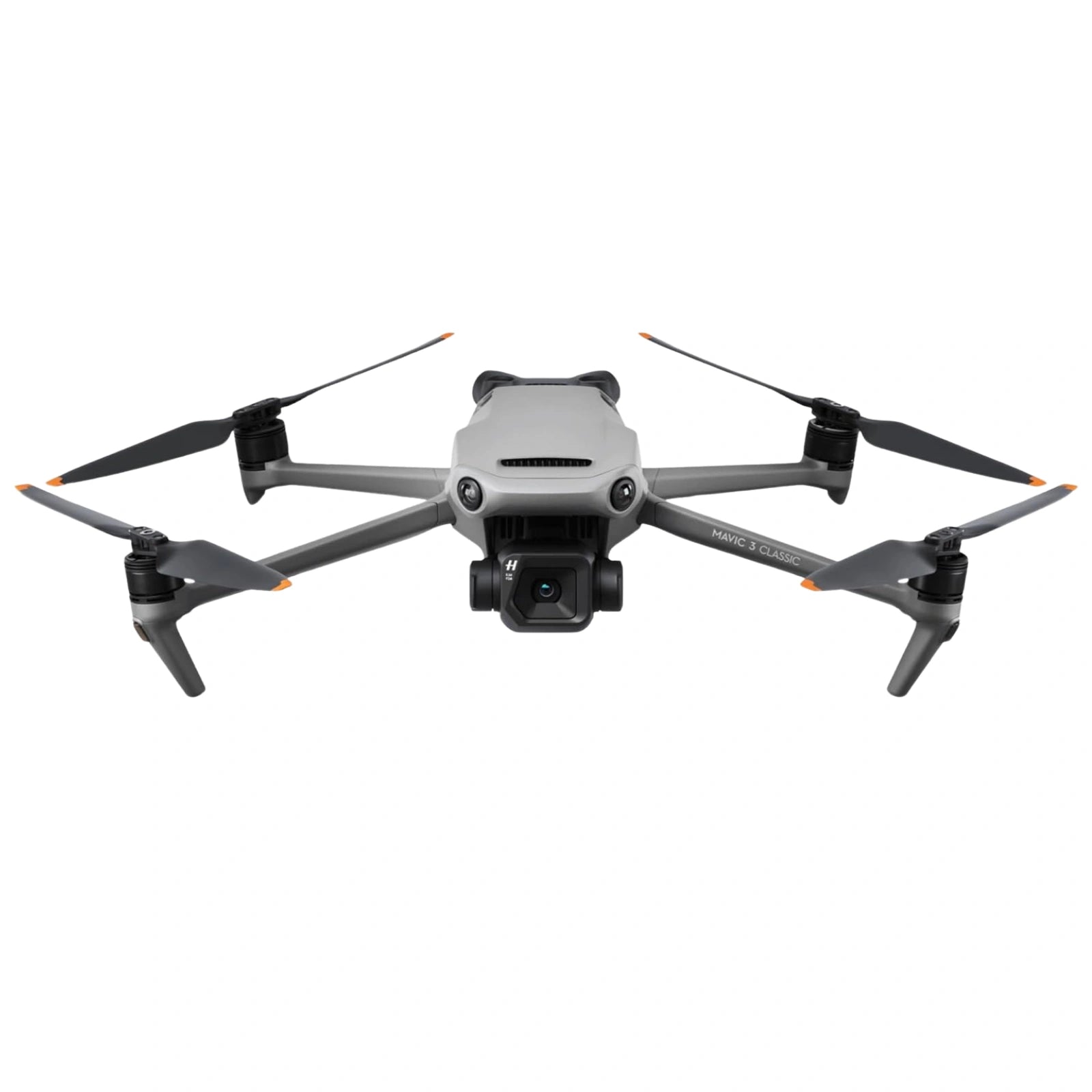
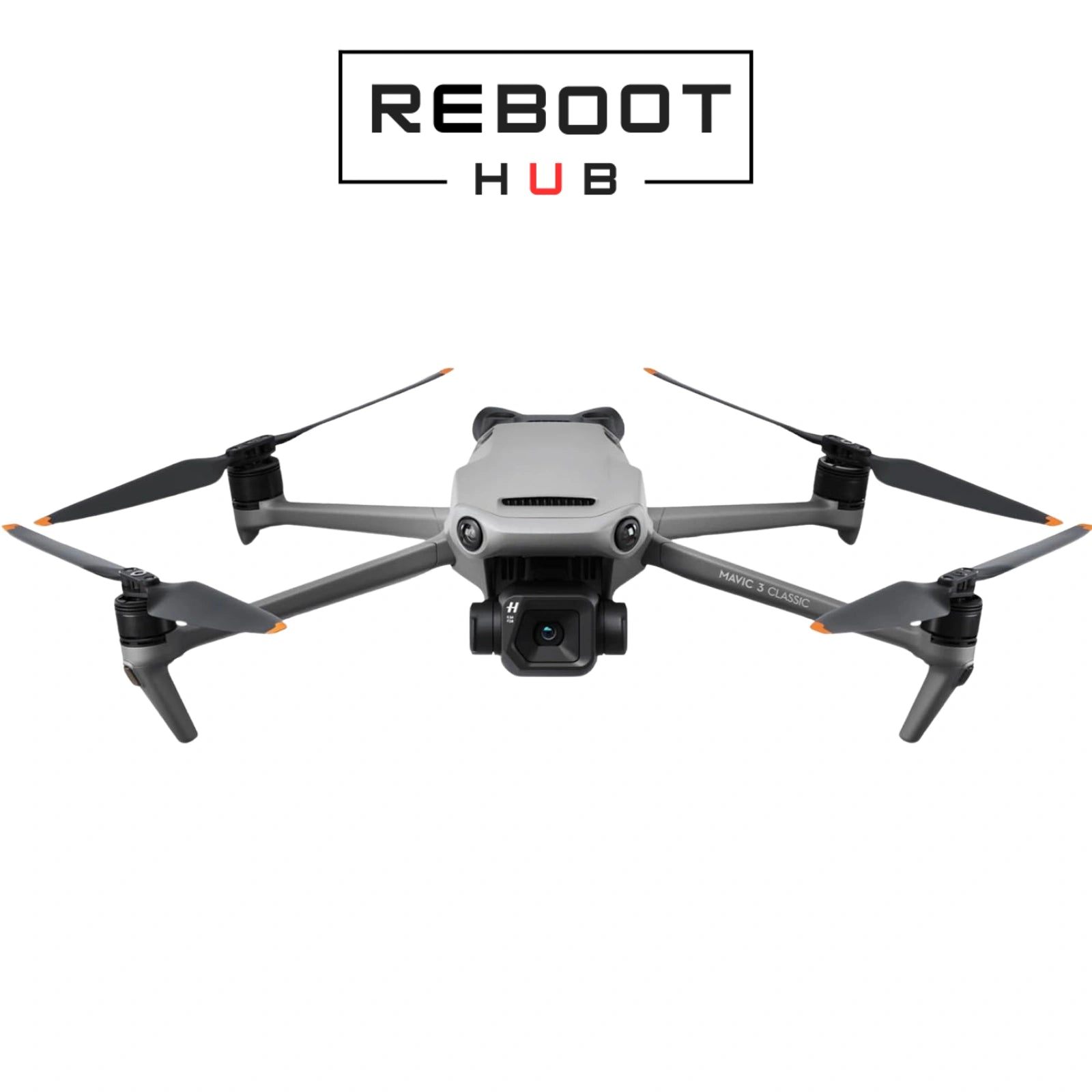
Before dispatch, Reboot Hub checks the selected DJI Mavic 3 Classic configuration for flight controls, camera and gimbal behaviour, obstacle-sensing surfaces where applicable, controller pairing, battery behaviour where included, visible condition, and listed kit contents. The selected variant on this page is the source of truth for grade, package contents and included equipment.
Mavic 3-series drones use model-specific batteries, controllers, cameras, and accessories. Common controller paths vary by bundle, including DJI RC-N1, DJI RC, or DJI RC Pro on supported versions. Confirm the selected variant before ordering. Reboot Hub can confirm the selected DJI Mavic 3 Classic bundle before shipment.
Professional drone with Hasselblad camera for aerial photography.
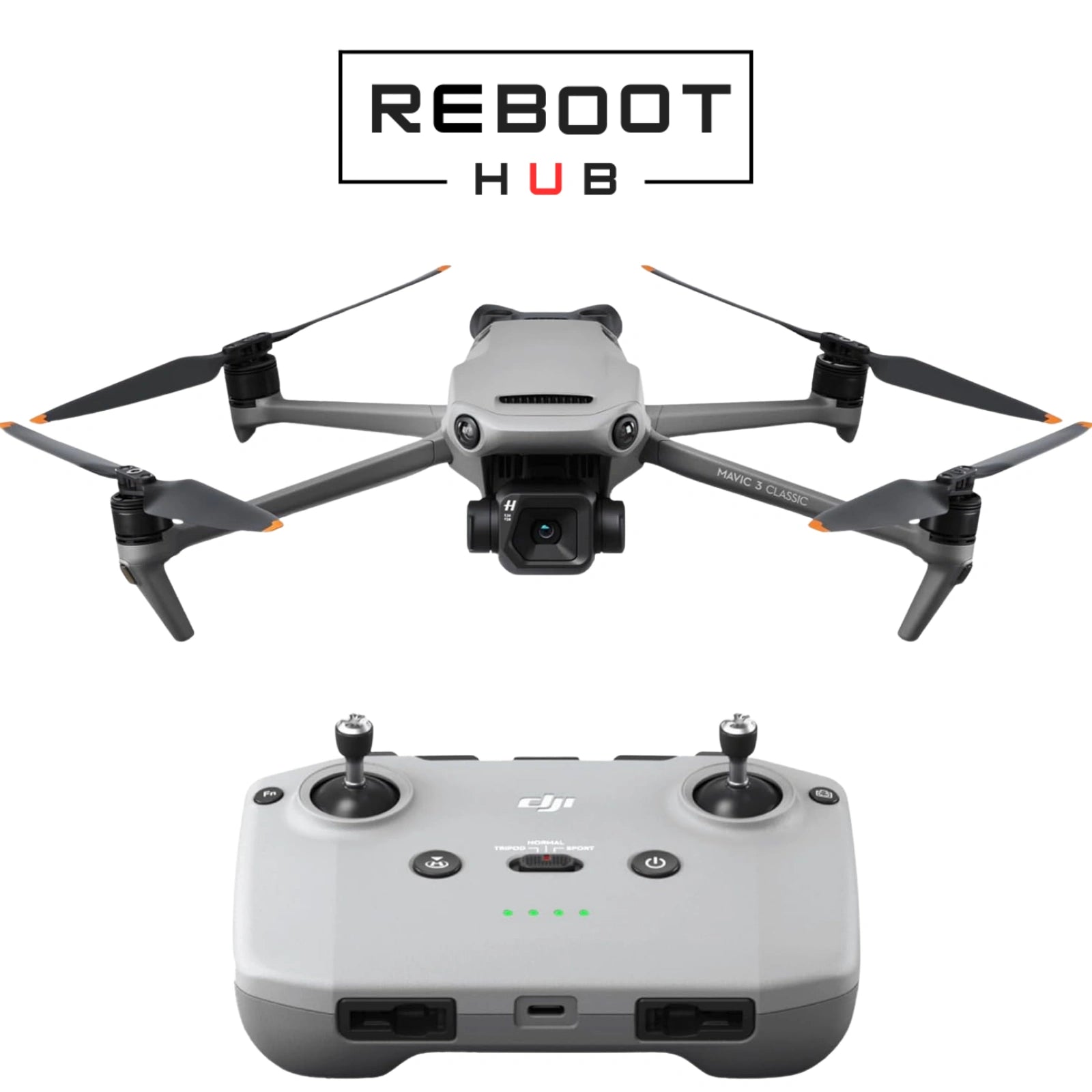
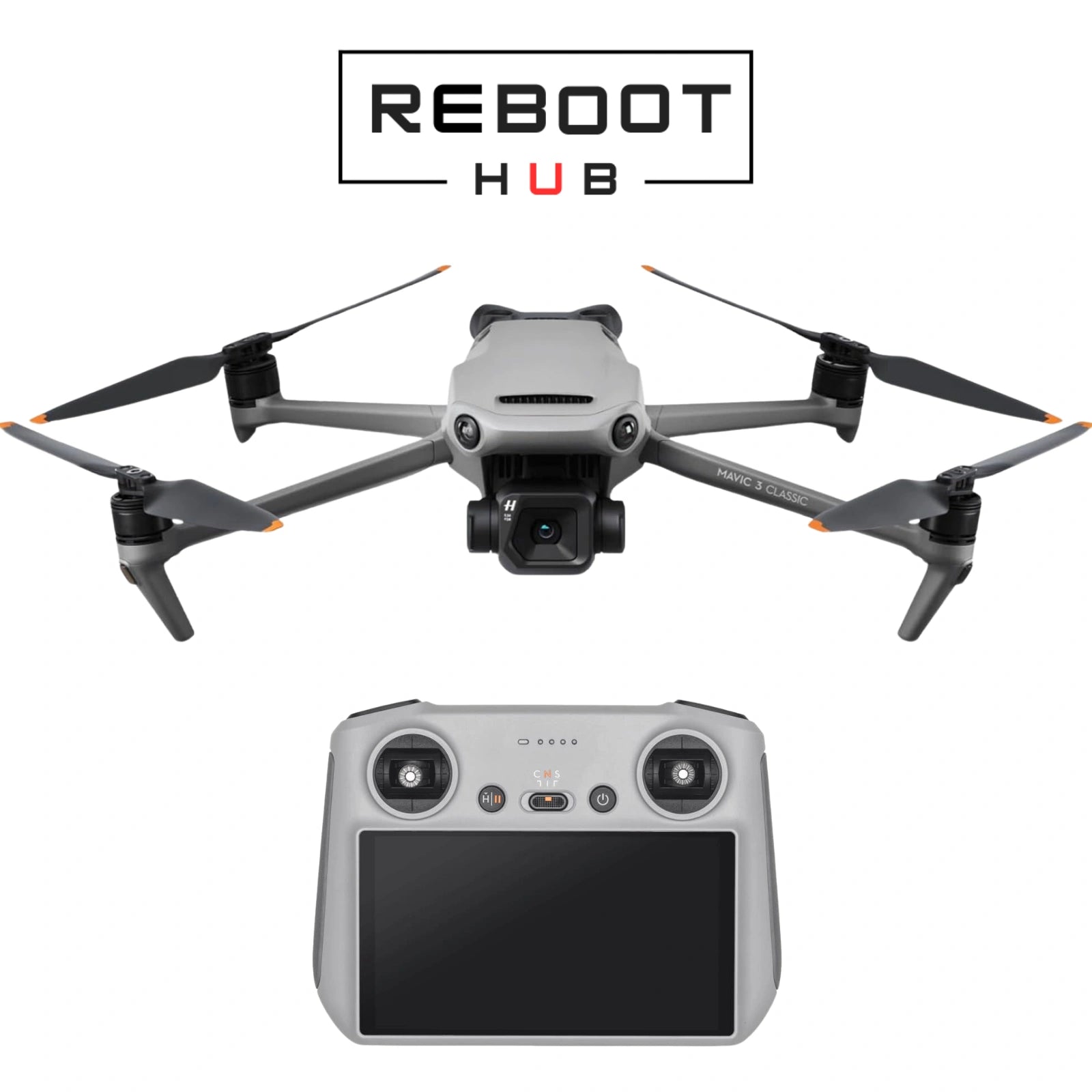
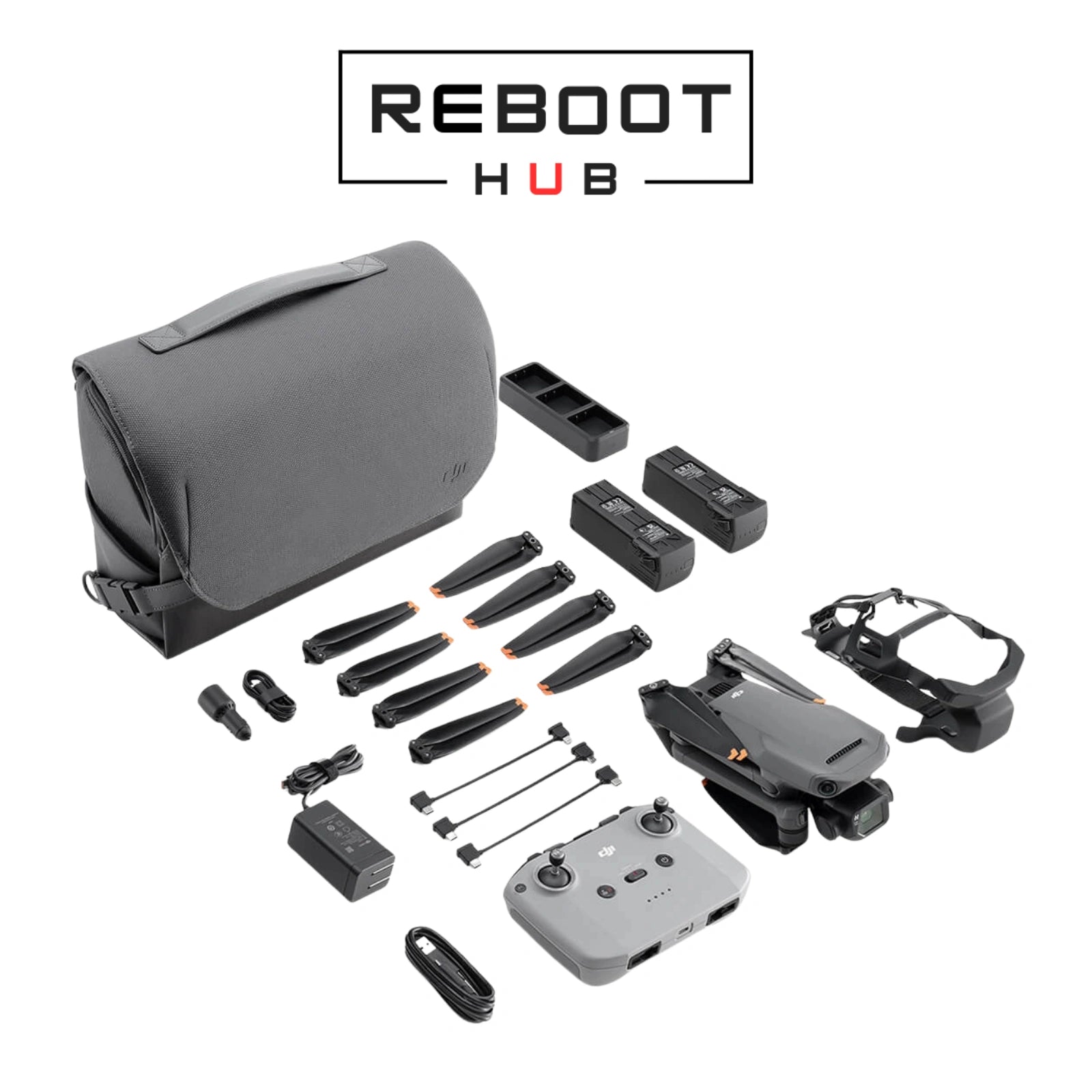
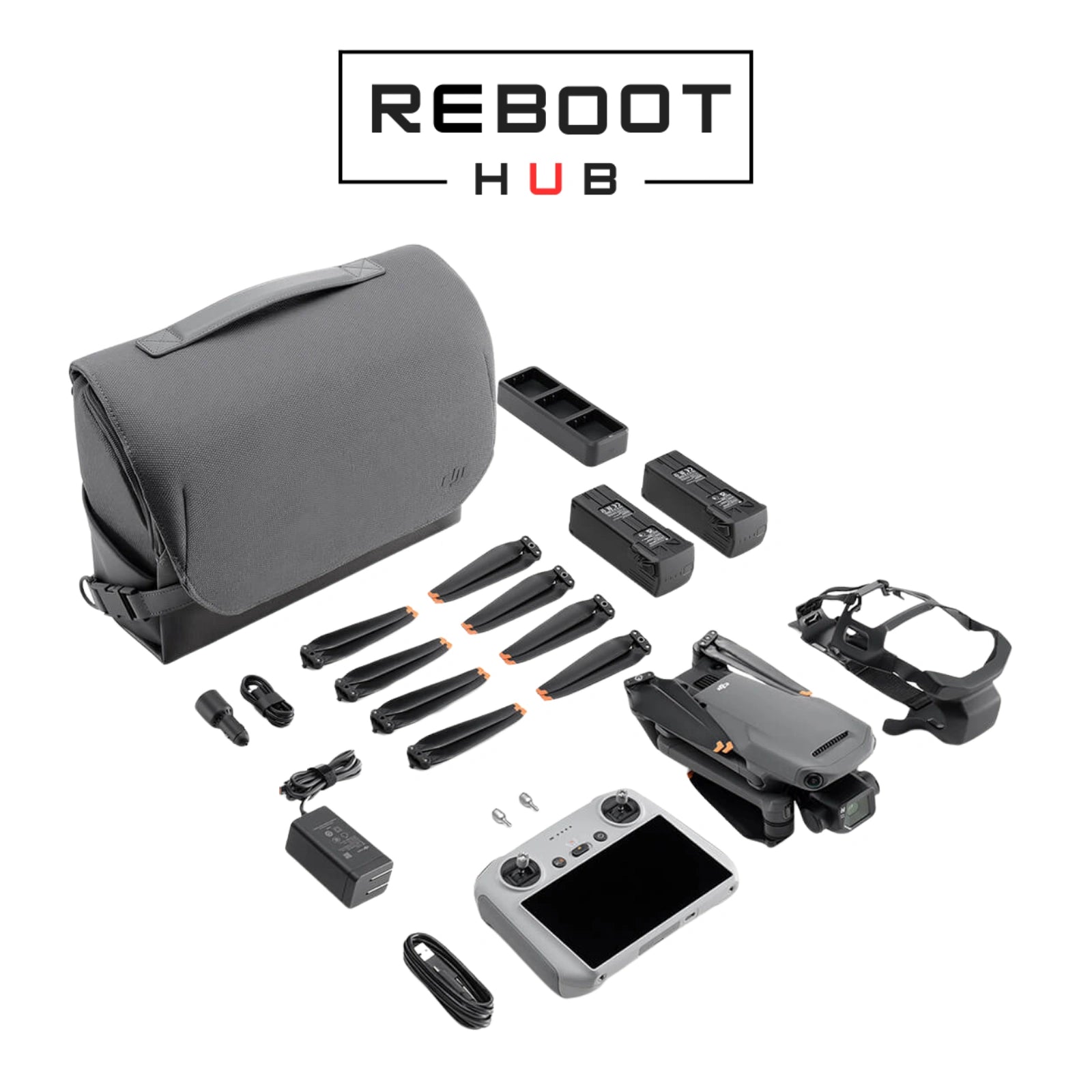
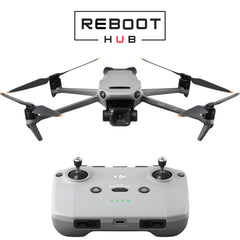
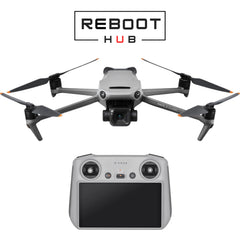
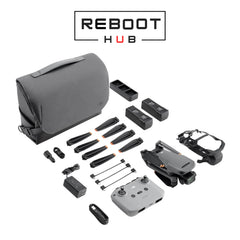
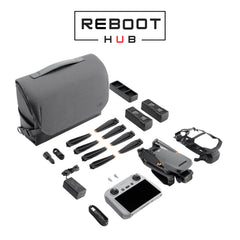
Current package paths shown above include Drone Only (No Battery), Drone with RC-N1, Drone with RC, Fly More Combo (RC-N1), Fly More Combo (RC). The selected variant is the source of truth for included device, controller, battery, charger, case and accessory contents. Reboot Hub confirms the exact package by email before dispatch.
Start with the aircraft capability, then choose one current package path and cosmetic condition separately.
Cosmetic condition is selected separately. Confirm the current purchase selector and written order details before checkout.
Aircraft-only selector path. The current selector explicitly states “No Battery”; exact included pieces follow the selected listing and written confirmation.
Phone-connected controller path; exact included pieces follow the selected listing and written confirmation.
Built-in-screen controller path; exact included pieces follow the selected listing and written confirmation.
Current selector label only; it does not itemize the kit. Exact included pieces follow the selected listing and written confirmation.
Current selector label only; it does not itemize the kit. Exact included pieces follow the selected listing and written confirmation.
| Model | Decision context | Official source |
|---|---|---|
| DJI Mavic 3 Pro | Three-camera Mavic 3 family option with 4/3 Hasselblad, 70mm medium tele and 166mm tele cameras. | Official specifications |
| DJI Air 3S | Dual-camera travel alternative with a 1-inch 50MP wide camera and 70mm medium tele camera. | Official specifications |
| DJI Mini 4 Pro | Under-249g travel alternative with a 1/1.3-inch 48MP camera. | Official specifications |
DJI Mavic 3 Classic - Pre-owned · PRODUCT KNOWLEDGE
DJI Mavic 3 Classic keeps the 4/3 CMOS Hasselblad main camera and Mavic 3 flight platform while omitting the tele camera. This makes controller, battery and camera-accessory identification important before checkout.
國際買家支票
訂購前,請檢查型號版本、目的地無線電要求、啟動和當地飛行規則。
閱讀 DJI 區域相容性指南Match the DJI Mavic 3 Classic variant, controller, battery and accessories to the listing photographs before setup.
Check the aircraft, propellers, battery and charger before charging or powering on.
Use the DJI application documented for this aircraft and update the aircraft, controller and battery firmware together.
Confirm controls, camera and gimbal response, GNSS, Home Point, battery status and local operating requirements before takeoff.
Use the documented compatible charger, inspect the battery and contacts, and allow a hibernating battery time to wake before retesting.
Confirm the exact controller generation, update both devices, then use the linking workflow in the correct DJI app.
Wait for adequate GNSS, verify the Home Point and review RTH altitude and surroundings before takeoff.
Restart the aircraft, controller and app, maintain power and internet access, then retry the official update process.
記錄的產品證據
Complete aircraft, camera, flight, safety, maintenance and troubleshooting reference.
v1.5Open full manual DJI RC SETUPStartup and activation path for the built-in-screen DJI RC package.
v1.0Open DJI RC setup RC-N1 SETUPStartup and activation path for the phone-connected DJI RC-N1 package.
v1.0Open RC-N1 setup DJI RC SAFETYOfficial aircraft, battery and regulatory safety guidance for the DJI RC package.
v1.0Open DJI RC safety guide RC-N1 SAFETYOfficial aircraft, battery and regulatory safety guidance for the DJI RC-N1 package.
v1.0Open RC-N1 safety guide OFFICIAL DOCUMENT HUBDJI download center for current Mavic 3 Classic documents and release material.
Open official document hub產品問題
上市背後的真實團隊
Reboot Hub 為全球買家提供經過檢驗的 二手 設備、正品 OEM-pulled 零件、特定型號的兼容性檢查、仔細的採購和維修後的售後支持。
我們的服務臺為國際買家提供了在發貨前聯絡的真正團隊,而不是匿名的市場清單。
Reboot Hub Service Desk - Shenzhen
買家證明和所有權
Reboot Hub 在出貨前檢查列出的消費性飛機、狀況、隨附的控制器和配件。在一處查看檢查路線、書面保固條款、包裝和國際使用指南。
指南、支持與學習

Continue from the purchase decision into one organized model reference covering compatibility, setup, parts context, common failure points and supporting DJI documents.
閱讀指南
Use a practical aircraft, battery, propeller, controller, Home Point, and environment check before deciding to launch.
閱讀指南
Check the battery, charger, cable, temperature, and indicator behavior before treating a charging problem as a failed battery.
閱讀指南